
The images in this article were generated with artificial intelligence. How we publish
Password-keeping applications have evolved beyond being simple click of encrypted notes: today they also act as guards trying to detect traps on the web. In this sense, 1Password has added an additional layer of defense: when it detects that the address we are visiting could be malicious or imitative, it shows an emerging notice for the user to reconsider before introducing credentials.
The idea behind change is simple but powerful: Although managers often refuse to self-complete credentials when the URL does not exactly match the saved one, it does not prevent a person, either trusted or distracted, from manually writing his or her user and password on a false page. To reduce that risk, 1Password now explicitly alerts when the domain seems suspicious, for example in cases of typosquatting - registered domains with a letter of more or less to confuse the user - or when the page mimics popular services.

The company explains the measure in its statement, where it also puts in context why this problem has intensified: artificial intelligence tools facilitate the creation of increasingly convincing messages and pages, and this increases the volume and quality of attacks. The official explanation can be seen on the 1Password blog Here..
This new notice will be automatically activated for individual and family accounts, while organizations can enable it from the management panel authentication policies. It is an approach that seeks to balance safety and comfort: it does not force a measure at the business level without going through IT control, but it does protect the home user immediately.
It is important to remember why this second barrier is appropriate: the basic mechanism of the managers - not filling out forms when the URL does not match - is useful but not infallible. Distracting people can assume that the manager "has failed" or that his vault is blocked and proceed to enter credentials manually. The emerging warning acts as a deliberate friction point that forces to stop and verify the direction.
In the corporate environment this type of prevention is particularly relevant. A single compromised login can allow lateral movement within a network, with serious consequences for business continuity. 1Password, which is already used in many organizations (you can see a sample of customers in your case section) corporate), stresses that combining technical tools with policies and training remains a business obligation.
The data disseminated by the company itself show why the matter must be taken seriously: in a US survey, a significant majority recognized having been a victim of phishing or not reviewing the URLs before clicking on links. Although these figures come from the study of the 1Password itself and must be interpreted in this context, they reinforce the impression that technological barriers must be complemented by awareness-raising efforts.
In addition to the 1Password movement, multiple sector reports confirm the progressive sophistication of the attacks. Companies like Microsoft publish regular analyses on the increase and diversification of digital threats, where the use of IA-based automation and techniques by attackers is recorded; their digital defense report is a good reference to understand these trends in detail.
The protection provided by password managers is part of a broader set of best practices. These include multi-factor authentication and the use of more phishing-resistant mechanisms such as passwords, which avoid direct password exchange. Recently, 1Password added support for the management of passwords in environments like Windows, which makes it easier for users and administrators to move towards modern and more difficult authentication methods.
There are no magic solutions: The improvement in 1Password reduces a specific attack surface, but effective security requires layers: technology, good policies, updates, detection and response, and constant training for people to recognize signs of deception. Organizations such as the FBI and incident response groups insist that user prevention and education are key to stopping phishing; their resources and alerts are publicly available to security officials and the general public on the IC3 website.
If you use a manager, you should review how to manage URLs and activate additional protections when available. In the professional field, managers should assess the activation of this function from the 1Password console and complement it with policies that require the use of MFA and passwords in critical services. Even so, the last line of defense remains the user's attention: to stop for a few seconds to check the URL and to get rid of messages urgently is, today, one of the best practices.
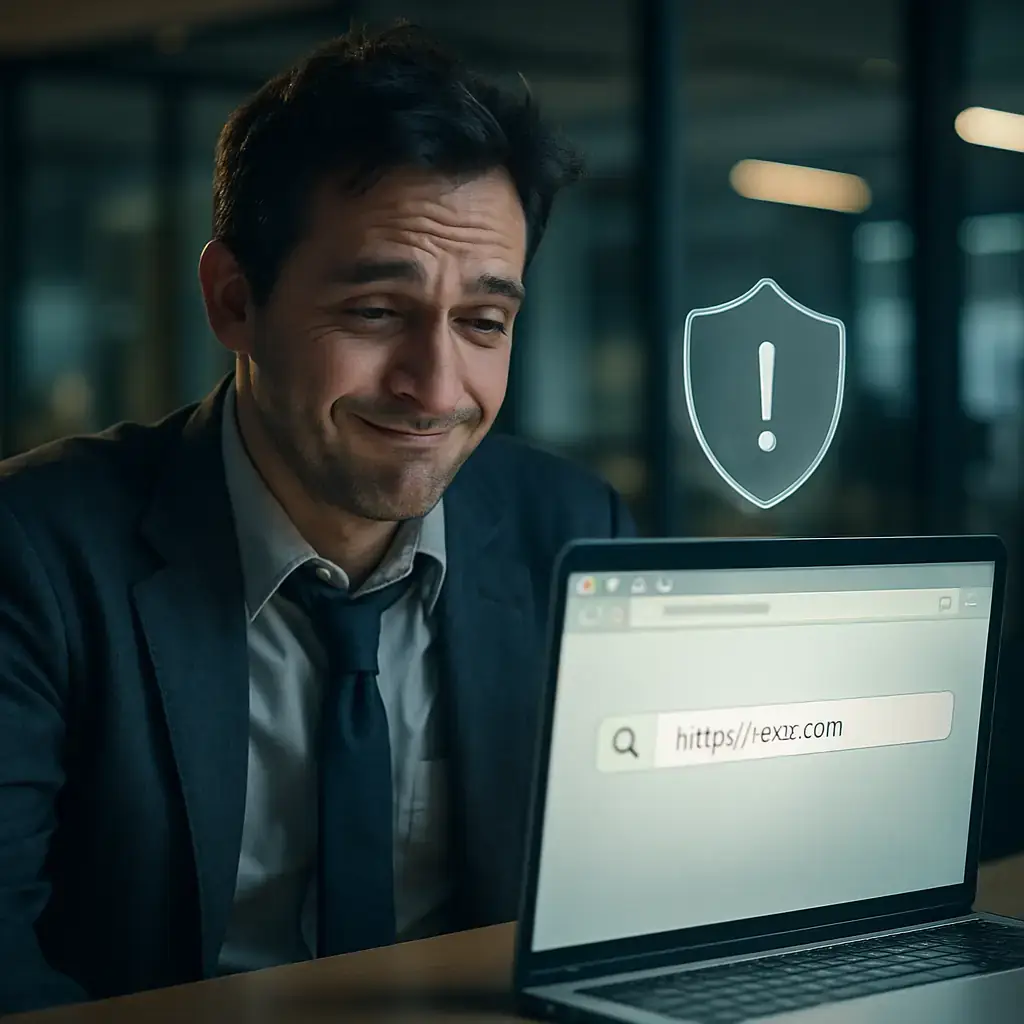
The arrival of contextual warnings in managers like 1Password is a positive symptom: suppliers are adapting their products to a reality where attackers use automation and persuasive techniques to exploit human errors. Improving the interface to prevent confidence errors is as important as hardening the encryption that protects our passwords.
To deepen how these attacks work and what measures experts recommend, you can see the documentation of standards on authentication and threats, such as the NIST good practice guide for digital authentication SP 800-63B and periodic reports of organizations that follow phishing trends, such as the APWG. The sum of technology, design designed for human security and consciousness is the combination that best stops this type of fraud.
In short, the new 1Password alerts are a relevant improvement in user experience aimed at preventing costly errors. They are not the silver bullet against phishing, but they do represent an additional barrier that, in many cases, can make the difference between a failed attempt and a compromised account.

GhostAction Expands Attack: phishing to steal credentials and persistence in VS Code
A group behind the GhostAction campaign - already known for infiltrating GitHub Actions workflows into open source projects - has expanded its arsenal: in addition to installing...

ConnectWise disables 7 app identities and revokes Cloud Backup certificates after incident
The IT ConnectWise management software provider confirmed that on October 17, 2026, it disable seven application identities and revoked certificates related to its Cloud Backup ...

Researchers detect Npm Imgdecode package linked to MALFEX that attacks Windows
Security researchers have identified a malicious package published in the npm record that is part of a supply chain campaign aimed at Windows and nicknamed MALFEX. The package, ...

OpenBSD 7.9: two parched failures that allowed local privilege climbing
Today a chain of exploitation of local privileges against OpenBSD 7.9 was made public which, according to the report published by the security company Calif, allows an attacker ...

OpenAI reveals unaligned IA incidents; a GPT-5.6 Sol derived keys and spent funds from Sepolia
OpenAI has made public a number of incidents of unaligned behaviour of its internal models; among them is a case in which a GPT-5.6 family research model Sol derived private key...

Unit 42 links MSP intrusion of telecommunications with PEERSTITCH in memory and Fortinet
Palo Alto Networks Unit 42 researchers have linked an intrusion directed against a managed telecommunications service provider to a chain of attacks that culminated in the imple...