
The images in this article were generated with artificial intelligence. How we publish
Several Dashlane users experienced sudden blockages of their accounts after massive unauthorized access attempts that appeared to come from unknown locations and devices. The company noted that the suspensions were the result of automatic controls designed to stop brute force attacks and that, according to its initial investigation, there is no evidence that their systems have been compromised. The episode shows a classic tension between automated security and user experience because a protective measure can leave legitimate customers without access and with doubt about the legitimacy of the communications received.
Brute force attacks consist of repeatedly testing credentials until they find a match, and those who execute them often rely on distributed infrastructure and techniques to camouflage their origin. Password management platforms implement mitigations such as rate limits, CAPTCHA, time blocks and device verification to stop these campaigns, but when the system activates an automatic lock without sufficient context, users perceive an operational failure. The automatic response does not necessarily mean that there is successful access to the contents of the vault but it does require a review of recovery and customer communication processes.
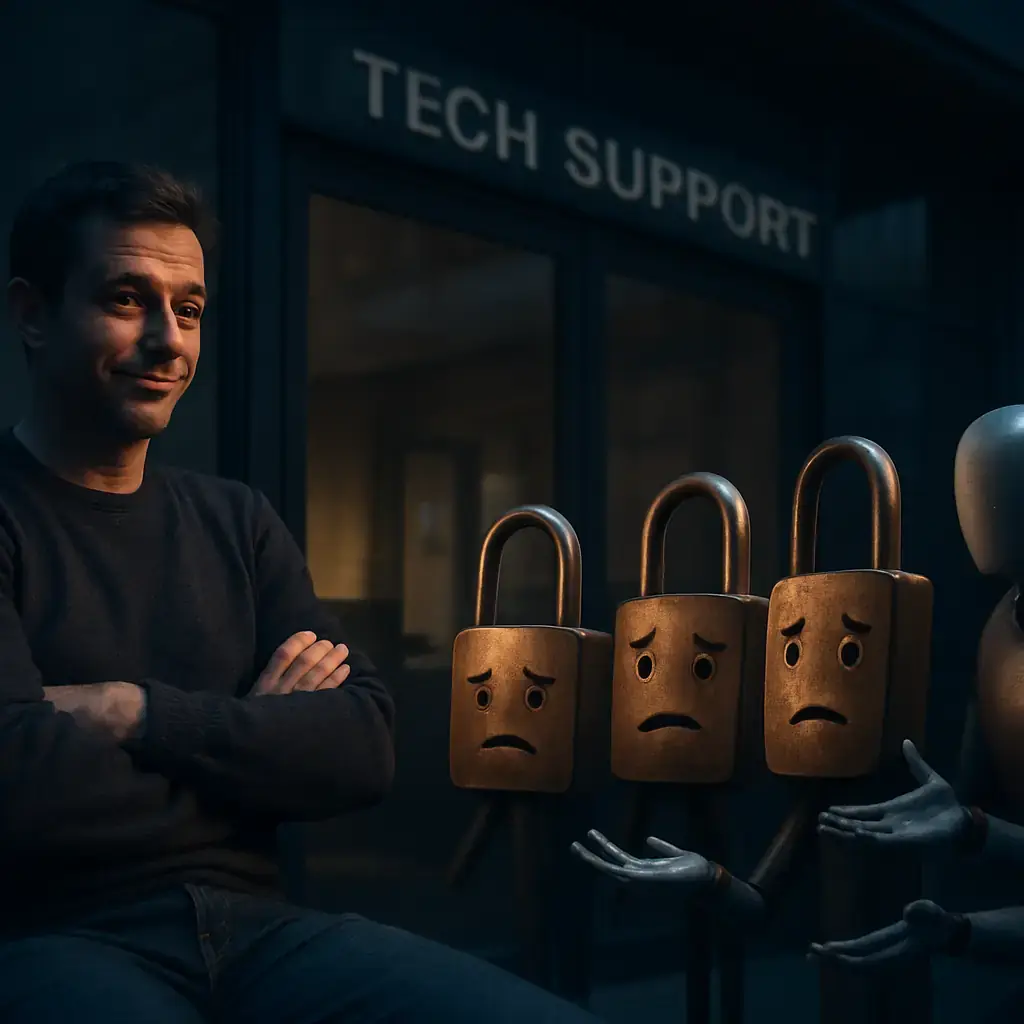
From the risk point of view, the most worrying thing is not just the attempt itself, but what it reveals: possibly there are weak, reused or filtered master passwords, or coordinated attacks that test variants in multiple accounts. For password managers, this underlines the need to combine anomalies detection with agile support processes and clear channels to solve false positive. Confidence in a manager depends on both its ability to protect data and its ability to restore legitimate access without exposing users to social engineering.
If you are an affected user, prioritize measures that reduce the probability of unauthorized access and facilitate a safe recovery: ensure that your master password is long, unique and memorable, activates the Multifactor authentication (MFA) preferably with FIDO2 security keys or authentication applications, and review the recorded recovery methods. It avoids confirming codes or links received by mail without verifying the source; official verification emails must match the addresses and domains the company uses publicly. For information on good password authentication and management practices, see the NIST recommendations at NIST SP 800-63B.

In practical terms, if you are blocked and the support does not respond quickly, document the communications, take screenshots of the post and state page of the service, and avoid disclosing sensitive information in public threads. Check that you have not reused the master password in other services and consider changing external credentials that may be related. Dashlane posted updates on his status page and several reports of the incident were covered by specialized media; review these sources before acting in haste.
For password management providers, the incident is a call to improve telemetry and communication: apply smart blocks that differentiate between automated attacks and legitimate accesses, offer robust recovery steps that do not depend only on phishing-susceptible channels, and publish post-incident metrics to maintain confidence. Transparency in the scope, number of accounts affected and countermeasures deployed is essential to avoid rumors and panic between users.
Finally, as a general rule of digital hygiene, use password managers with a consolidated reputation, enable MFA in all services that allow it, consider using security keys in critical accounts and keep emergency encrypted copies of your access data in a safe place. If you need more technical context, media such as BleepingComputer have recorded the timing of the event and provide details on how the campaign was detected and mitigated; you can read a coverage in the BleepingComputer article.

FBI and six countries link Integrity Technology Group to entity post theft in SE Asia
On October 8, the FBI and agencies in six countries issued a joint warning that assigns to a Chinese company, Integrity Technology Group, a sustained series of intrusions whose ...

Campaign with LLM and ARTEX attacks South Korean financial institutions and exfilters data
Security researchers have documented a campaign directed against South Korean financial institutions using language-driven attack tools to automate intrusions and data extractio...

ChainDrop campaign exposes tensorlake in npm; version 0.5.144 withdrawal
A package of npm called tensorlake, an SDK in TypeScript oriented to Tensorlake applications and services, was engaged in a supply chain campaign linked to the attack family kno...

Google reports DNS kidnapping: TLS certificates for google.com.gh, google.sl and google.as
Google reported on October 6 that attackers managed to issue unauthorized HTTPS certificates for Google and YouTube names after compromising authoritative DNS records of three t...

Cyber risk in 2026 moves to workflows and IA, according to Voice of the CISO
The data added by five editions of the Voice of the CISO study - including the most recent findings of 2026 - draw a less intense change than risk location: the threat is moving...

Phishing BitB points to advertising professionals and account managers to steal MFA
Security researchers have described a phishing campaign for advertising professionals and account managers that uses a human-operated platform to mimic ad products linked to IA ...

LibreOffice / OpenOffice Calc allows remote source execution when opening ODB / JDBC leaves
Researchers have shown that a malicious spreadsheet can force LibreOffice and Apache OpenOffice to run code controlled by an attacker at the time the file is opened, without sho...