
The images in this article were generated with artificial intelligence. How we publish
For years the attackers have been looking for simple and lucrative ways to access online accounts: instead of breaking passwords, they steal what already grants temporary access to a service: session cookies. These tokens, if long enough, allow an intruder to enter an account without having to know the password, and often end up in the cybercrime market. To counter this threat Google has decided to tie these sessions to the user's own machine by using a technology that now begins to reach all Chrome users on Windows.
Device Bound Session Credentials (DBSC) is Google's response to the "session exfiltration" problem. In simple terms, instead of simply possessing a cookie enough to enter an account, Chrome can require the browser to demonstrate cryptatically that the cookie is being used from the same device that generated it. So, if a malware gets to copy the cookie and sends it to a server controlled by the attacker, that cookie loses value because it can't prove that it comes from the legitimate computer.

The technique is based on security modules present in the hardware: in Windows the Trusted Platform Module (TPM) is used and, on Apple computers, the equivalent would be the Secure Enclave. These environments allow creating private cryptographic keys that cannot be exported outside the device. When the server needs to issue or renew a session token, it requests Chrome to test the possession of that private key. Chrome signs or participates in a protocol that demonstrates that possession without revealing the key itself. The result is that cookies become ephemeral and linked to the machine, not transferable.
Google started testing DBSC in open beta version and now announces that functionality is available to all Windows users who update to Chrome 146; the support for macOS will arrive in a later version of the browser. The company explains that, when the device does not have secure key storage, DBSC does not break the authentication flow: it simply returns to the traditional behavior to not leave the user without access. This smooth transition is important not to cause friction in older equipment or virtualized environments where physical TPM does not exist.
The function drivers claim to have observed a significant reduction in session theft attempts from the first tests, suggesting that tying sessions to hardware can do significantly degrade business profitability for stealers operators - malware families that extract data from the system. If you want to understand how these malicious programs work and why they are so dangerous, there are technical analyses accessible for example in Malharebytes's blog about families like Vidar and other similar threats: Malharebytes Labs.
DBSC does not arise in a vacuum: it is part of a greater trend towards "device-linked" authentication and the widespread use of secure hardware elements. In this ecosystem there are links to standards and technologies such as WebAuthn and FIDO Alliance, which seek to reduce password dependence and bring cryptographic verification to daily authentication. If you are interested in deepening the standards of modern authentication, the FIDO Alliance offers accessible documentation: fidoalliance.org.
Privacy and limits. Google has designed the architecture with clear privacy criteria: the verification is done with a key per session and, according to the company, does not involve sending device identifiers or attestation data that allow to correlate activity between sites. In other words, the intention is to improve security without turning session keys into a follow-up mechanism. This is important because a solution that would protect sessions but allow for user profiling would have been unacceptable.
However, there are practical constraints that should be taken into account. If an attacker gets complete control of the device (e.g. by means of a rootkit or prolonged physical access), it can restore or manipulate local states and potentially remove mitigation. Also, virtualized environments and machines without physical TPM represent challenges: the mechanism simply disables and returns to traditional behavior to maintain usability. There are also operational issues for companies: device management, user migration between machines, or credentials recovery policies may require complementary solutions (e.g. key scrows or restoration procedures) that should be carefully designed.
At the institutional level, the arrival of DBSC is an interesting point for security equipment and administrators: it can reduce the risk associated with stolen cookies, but it does not replace other defences. The combination of multiple layers - frequent browser updates, multifactor authentication (MFA), endpoint protection and user training on malware hazard - remains the most robust strategy. To better understand the role of TPM in Windows and how it is integrated into the confidence chain, Microsoft offers available technical documentation here: Microsoft Learn - TPM. Apple, for its part, documents its Secure Enclave on its developer security pages: Secure Enclave - Apple.
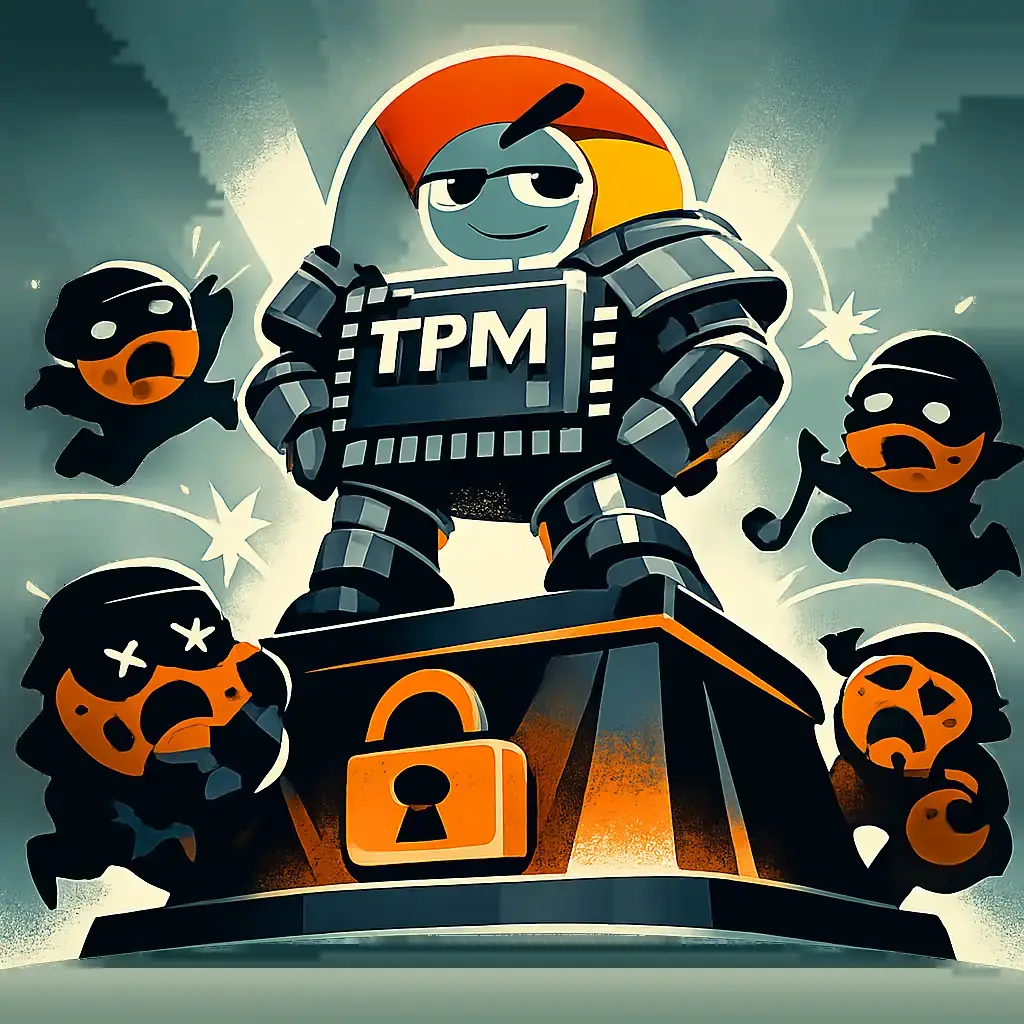
Another positive aspect is that Google worked with Microsoft to make the design compatible with a broader objective: to turn the technique into something interoperable and, as far as possible, to become an open standard that other browsers and services can adopt. This collaborative approach increases the likelihood that protection will not be limited to a single ecosystem and, hopefully, will increase the security of the entire web.
For the average user the advice is direct: keep Chrome up-to-date (protection comes with recent versions), use MFA on all accounts that allow it and consider physical security keys where possible. In corporate environments, IT teams should assess how DBSC fits into their device management policies and account recovery flows. The goal is not to replace good practices, but to reduce an exposure window that so far was especially cost-effective for attackers.
If you want to read the official notes of Chrome updates or follow the security information posted by Google, the Chrome ad pages and Google security blog are good starting points: Chrome Releases and Google Security Blog. The combination of these parts - browser documentation, security hardware information and threat analysis - helps to understand why tying sessions to the device can mean a real improvement in the fight against session theft.

GhostAction Expands Attack: phishing to steal credentials and persistence in VS Code
A group behind the GhostAction campaign - already known for infiltrating GitHub Actions workflows into open source projects - has expanded its arsenal: in addition to installing...

ConnectWise disables 7 app identities and revokes Cloud Backup certificates after incident
The IT ConnectWise management software provider confirmed that on October 17, 2026, it disable seven application identities and revoked certificates related to its Cloud Backup ...

Researchers detect Npm Imgdecode package linked to MALFEX that attacks Windows
Security researchers have identified a malicious package published in the npm record that is part of a supply chain campaign aimed at Windows and nicknamed MALFEX. The package, ...

OpenBSD 7.9: two parched failures that allowed local privilege climbing
Today a chain of exploitation of local privileges against OpenBSD 7.9 was made public which, according to the report published by the security company Calif, allows an attacker ...

OpenAI reveals unaligned IA incidents; a GPT-5.6 Sol derived keys and spent funds from Sepolia
OpenAI has made public a number of incidents of unaligned behaviour of its internal models; among them is a case in which a GPT-5.6 family research model Sol derived private key...

Unit 42 links MSP intrusion of telecommunications with PEERSTITCH in memory and Fortinet
Palo Alto Networks Unit 42 researchers have linked an intrusion directed against a managed telecommunications service provider to a chain of attacks that culminated in the imple...