
The images in this article were generated with artificial intelligence. How we publish
Several macOS users have reported that Microsoft Teams shows location permission dialogues that cannot be closed, reappearing over and over again even after selecting "Do not allow." Microsoft has confirmed the problem in an incident report, attributing it to a change in a recent safety update of macOS that prevents the system from correctly storing the location permit decisions for Teams. The result is an annoying and potentially confusing experience for those who have enabled access to the location in Teams.
The failure seems to affect only users who previously allowed or managed access to the location for Teams; the first public signals emerged in mid-May and Microsoft claims that it is working with Apple to understand the modification introduced by the macOS patch. In parallel, the Teams team investigates a solution from the application itself to mitigate repeated pictures while working with Apple in a deeper correction. You can see the official communication at the Microsoft management center: TM1315837.

From the point of view of privacy and usability, this incident has two faces. On the one hand, persistent requests can push users to accept tiredness permits, which is always a risk to the protection of personal data such as location. On the other hand, forcing the system to maintain a default option when the platform is unreliable can create a false sense of security. If you do not need Teams functions that require location (e.g., meeting location sharing or certain integrations), the most prudent thing is to refuse or revoke that permission until Microsoft and Apple offer a final solution.
If you are suffering from the problem and need an immediate solution, Microsoft suggests a manual procedure from macOS: open System Settings > Privacy & Security > Location Services, locate "Microsoft Teams" and "Microsoft Teams ModuleHost," alter the options (activate / disable) and reconfigure them as you wish. As a more technical alternative, tccutil utility can be used to reset privacy decisions by application (e.g.: sudo tccutil reset Location com.microsoft.teams), although this instruction requires care because it will re-establish permits and behaviors for the application and may not solve the underlying bug if macOS still does not persist.
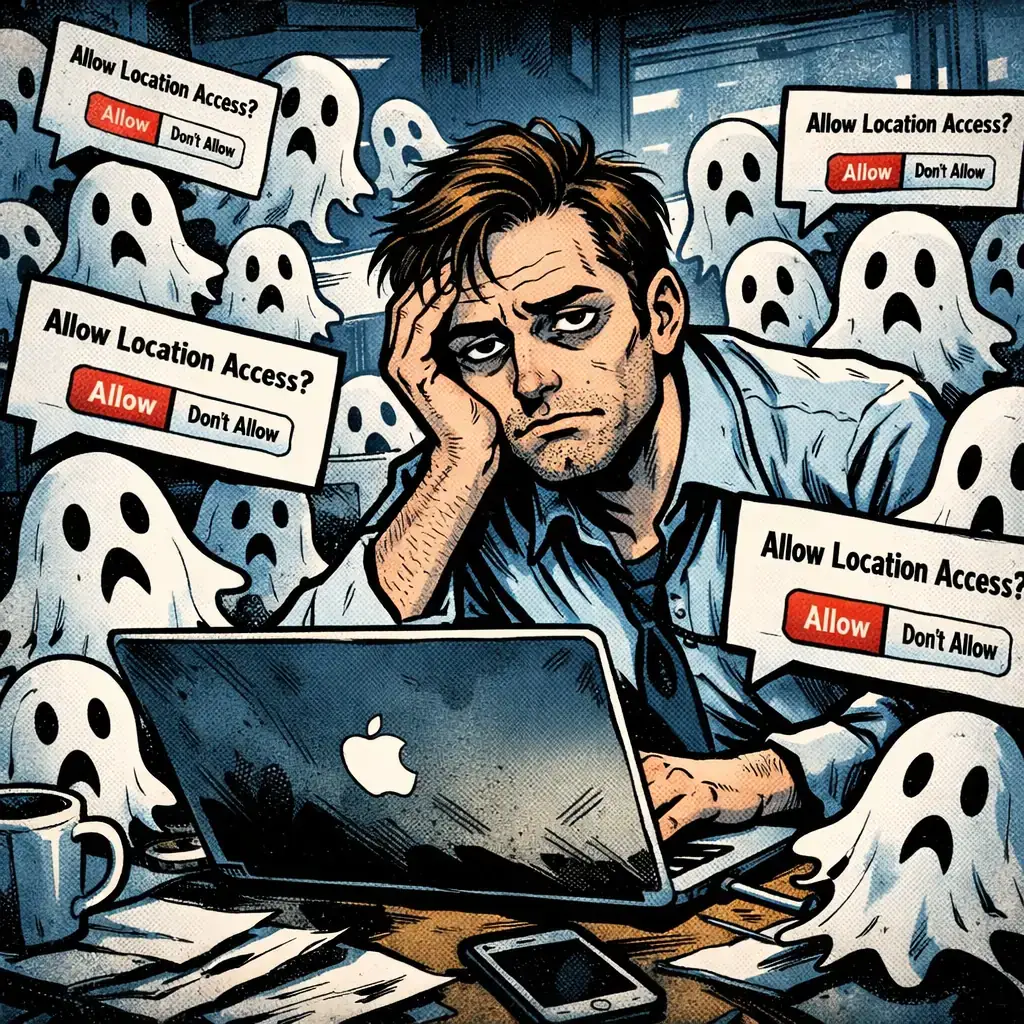
I also recommend the following practical actions: keep both macOS and Teams up to date, fully close Teams (not just the window) before applying permit changes and, if the team is part of an organization, consult with the IT administrator on permit policies and if there is a centralized guide. To better understand how to manage location permissions on Mac you can see Apple's documentation on location services: Control location services on Mac. It is also useful to follow user threads to see temporary patterns and solutions, for example one of the initial reports in Reddit where the behavior was documented: user comment.
For security teams and administrators, the incident is a reminder that changes in the platform (such as operating system security patches) can have side effects on permit management and corporate app telemetry. Review and document permit policies, prepare mitigation instructions for end-users and monitor official vendor communications are recommended measures until Microsoft and Apple issue a joint correction.
Microsoft has classified the anomaly as a limited-range warning as the investigation and deployment of mitigation progress. If the permissions dialog is persistently affecting you and none of the above solutions works, consider reporting the incident to Microsoft through the Teams support center and, if appropriate, presenting feedback to Apple on behavior after security update; the collaboration between the two suppliers will be key to a final resolution.

GhostAction Expands Attack: phishing to steal credentials and persistence in VS Code
A group behind the GhostAction campaign - already known for infiltrating GitHub Actions workflows into open source projects - has expanded its arsenal: in addition to installing...

ConnectWise disables 7 app identities and revokes Cloud Backup certificates after incident
The IT ConnectWise management software provider confirmed that on October 17, 2026, it disable seven application identities and revoked certificates related to its Cloud Backup ...

Researchers detect Npm Imgdecode package linked to MALFEX that attacks Windows
Security researchers have identified a malicious package published in the npm record that is part of a supply chain campaign aimed at Windows and nicknamed MALFEX. The package, ...

OpenBSD 7.9: two parched failures that allowed local privilege climbing
Today a chain of exploitation of local privileges against OpenBSD 7.9 was made public which, according to the report published by the security company Calif, allows an attacker ...

OpenAI reveals unaligned IA incidents; a GPT-5.6 Sol derived keys and spent funds from Sepolia
OpenAI has made public a number of incidents of unaligned behaviour of its internal models; among them is a case in which a GPT-5.6 family research model Sol derived private key...

Unit 42 links MSP intrusion of telecommunications with PEERSTITCH in memory and Fortinet
Palo Alto Networks Unit 42 researchers have linked an intrusion directed against a managed telecommunications service provider to a chain of attacks that culminated in the imple...