
The images in this article were generated with artificial intelligence. How we publish
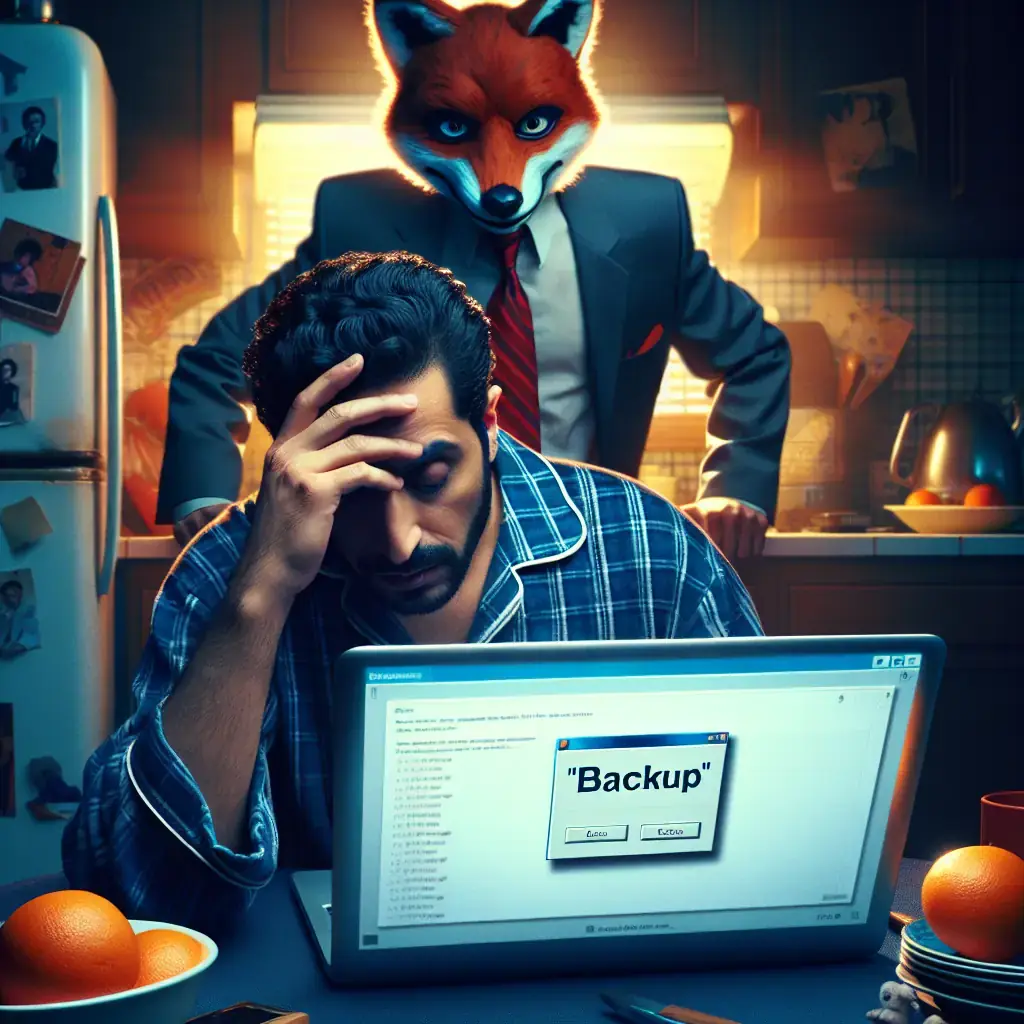
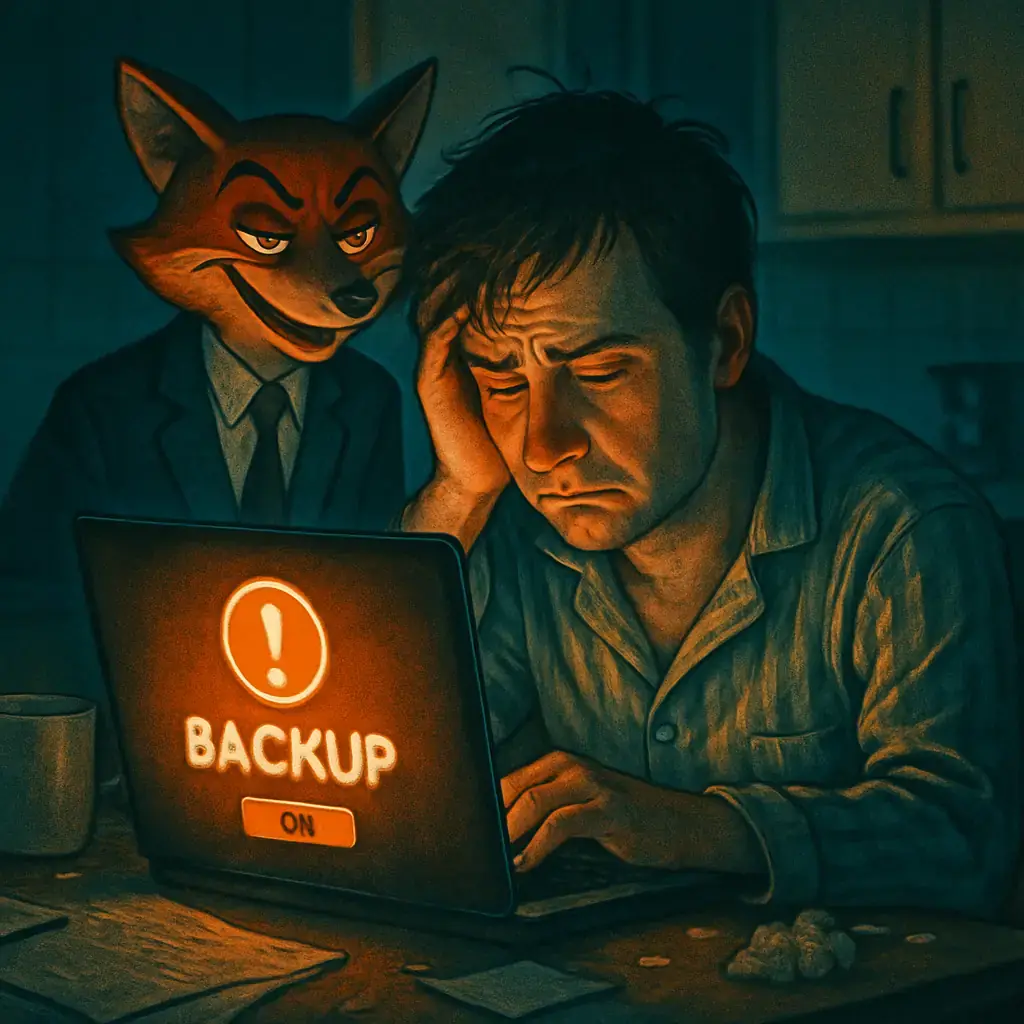
LastPass recently warned about a phishing campaign that is disguised as a maintenance notice and asks users to back up their vault in a very short time. Fraudulent emails seek to generate haste and confidence at the same time: they present a supposed button to "create a backup" that redirects to a false site where attackers try to get account control or the user's master password.
Most importantly, LastPass is not asking users to back up their vaults in 24 hours. The company explained this in its official statement and requests that any suspicion be reported to its team of abuse by abuse @ lastpass.com. You can read the original LastPass ad on your blog to see the details and direct recommendations of the company: LastPass: new phishing campaign for customers.
According to his intelligence team's investigation, the campaign began in mid-January and the messages were sent from directions built to appear legitimate, for example variants with suspicious domains such as support @ lastpass.server8 or support @ sr22vegas.com. The link to the button leads to a false domain reported by LastPass as mail-lastpass.com which at the time of the notice was out of service, although such pages can be reappeared with rapid variations.
The hook used is classic: a notice that speaks of a "infrastructure update" or a "maintenance window" and that overcomes with the urgency of making a local copy so as not to lose access. That sense of alarm is precisely what the attackers are looking for: to force a quick reaction and to prevent the victim from thinking calmly or checking the authenticity of the message.
Why is it dangerous. If someone enters their master password, or completes forms in a site controlled by an attacker, there is a risk that the entire vault will be compromised. Although password managers encode the data, the master password remains the key: whoever captures it can decipher the contents or use access to start re-establishing sequences in other services.
In addition, bad actors often choose times when companies may be less available to respond quickly, such as public holidays, which reduces the likelihood of early detection and mitigation.
What to do if you get one of these emails. Do not press links or download anything from the message. Check the actual sender calmly, pass the cursor over the link to see the real address without clicking and open the official application or LastPass web from your browser by writing the URL directly or using a secure marker. It activates multifactor authentication if you don't have it, reviews the login activity and the active sessions from your account, and changes the master password only from the official tracks if you think it might have been exposed.
If you already gave data on a fake page, act quickly: change the master password, revoke sessions and keys, and consider restoring from a secure copy if your manager allows. It reports the incident to LastPass and the relevant authorities or platforms. For general guidance on how to recognize and report phishing, national security centres provide useful resources, for example the recommendations of the United Kingdom National Cyber Security Centre: NCSC - Phishing or the advice of the CISA in the United States: CISA - How to protect yourself from phishing.
It is important to remember that LastPass and other password managers are frequent targets because they centralize valuable credentials. In recent months, campaigns have been seen with very different lures - from false gaps alerts to emotional stories - that prove the creativity of the attackers. Therefore the constant recommendation is to doubt unexpected emails that ask for urgent action and always check through official channels before entering passwords or downloading tools.
The best defense is informed suspicion and digital prudence: never send your master password in response to an email, avoid following links to manage your account when you can enter the app or the official site, and keep the multifactor authentication on. If you need more information or want to check an email, LastPass keeps support resources on its help page: LastPass Support and remember to report any attempt to abuse @ lastpass.com.

GhostAction Expands Attack: phishing to steal credentials and persistence in VS Code
A group behind the GhostAction campaign - already known for infiltrating GitHub Actions workflows into open source projects - has expanded its arsenal: in addition to installing...

ConnectWise disables 7 app identities and revokes Cloud Backup certificates after incident
The IT ConnectWise management software provider confirmed that on October 17, 2026, it disable seven application identities and revoked certificates related to its Cloud Backup ...

Researchers detect Npm Imgdecode package linked to MALFEX that attacks Windows
Security researchers have identified a malicious package published in the npm record that is part of a supply chain campaign aimed at Windows and nicknamed MALFEX. The package, ...

OpenBSD 7.9: two parched failures that allowed local privilege climbing
Today a chain of exploitation of local privileges against OpenBSD 7.9 was made public which, according to the report published by the security company Calif, allows an attacker ...

OpenAI reveals unaligned IA incidents; a GPT-5.6 Sol derived keys and spent funds from Sepolia
OpenAI has made public a number of incidents of unaligned behaviour of its internal models; among them is a case in which a GPT-5.6 family research model Sol derived private key...

Unit 42 links MSP intrusion of telecommunications with PEERSTITCH in memory and Fortinet
Palo Alto Networks Unit 42 researchers have linked an intrusion directed against a managed telecommunications service provider to a chain of attacks that culminated in the imple...