
The images in this article were generated with artificial intelligence. How we publish
A new banking Trojan for Android, baptized as Rokarolla again shows that the line between a legitimate app and a critical financial security risk can be erased in seconds when a user installs software from unverified sources. Mobile researchers have described a campaign in which the threat is distributed through malicious websites that pretend to offer popular apps like Google Chrome or TikTok; they actually act as droppers that supplant Google Play Protect and then install the real malware.
Beyond the initial vector, Rokarolla stands out for its operational complexity: it operates with a set of 137 commands and verify the presence of up to 217 banking and cryptomoneda applications to download specific phishing templates. When the user opens a target app, the Trojan can overlap a false screen (overlay) to capture credentials, card information and authentication codes, and also uses overlay to read or capture the PIN / device unlocking pattern.
The use of the Accessibility API as a gateway to high privileges is central to this attack. Rokarolla requests Accessibility permissions, notifications, SMS and calls, and once granted it gets the ability to record keys, read and manipulate the clipboard, take regular screenshots with temporary seal, intercept and block incoming calls (including voice bank alerts or SMS) and keep the device in a state where the user does not suspect.
In addition to technical evasion - like disable Google Play Protect, hide the app icon, silence audio and keep the screen on - Rokarolla sends to the control and control server (C2) a device profile (model, Android version, battery, storage, memory, location) to generate a unique identifier per victim and adapt its behavior, which facilitates targeted and persistent campaigns.
The practical implications are serious: with access to SMS, notifications, calls and the ability to overlap interfaces, operators can intercept dual-factor SMS codes, block notifications from banks and present screens that simulate exactly the process of login or transaction approval. This drastically reduces the effectiveness of SMS-based or simple screen confirmations.
For private users, the first rule of defence is clear: avoid installing APKS outside Google Play unless the source is absolutely reliable. Google Play is not infallible, but it is an initial filter; the risk increases significantly with external sites and links that promise popular apps in "unofficial" versions. You can review information about Play Protect in Google Play Protect documentation.
If you suspect that your phone may be compromised, immediately review the Accessibility settings and applications with administrator's permissions, and revoke any suspicious permissions. If an app refuses to disinstall or persists in strange behaviors (missing notifications, display showing ghost facilities, clipboard changes), it is wise to isolate the device and consider a safe backup followed by a factory re-establishment. The response centres and official guides offer practical recommendations on mobile security; see, for example, the recommendations of the US government. United States CISA.
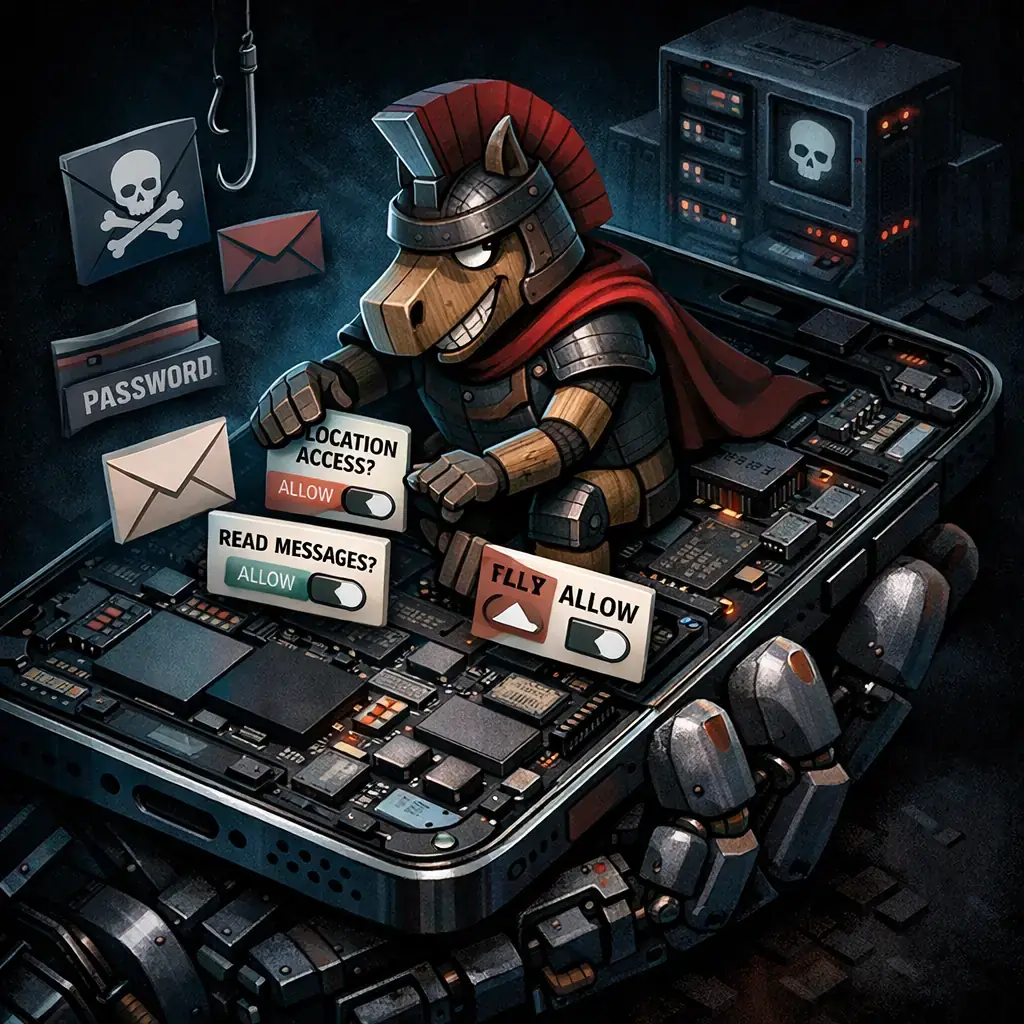
In the corporate area and for users with sensitive accounts, it is appropriate to migrate authentication mechanisms to factors that do not depend on SMS (authentication apps, hardware keys), activate email alerts and off-the-phone notifications where possible, and apply application of app installation blocking policies from unknown origins. Organizations should strengthen their MDM / EMM controls, restrict Accessibility permits and monitor exfiltration signals or abnormal behaviors in mobile endpoints.
Security specialists can deepen the set of commands and commitment indicators published by researchers; for example, there is a repository with the 137 commands analyzed to identify technical signals and create detection rules: GitHub - Zimperium: Rokarolla commands. Implementing EDR / Mobile-EDR rules that detect unusual requests for Accessibility permits, overlay activity and C2 connections is key to stopping similar campaigns.
Finally, keeping the operating system up to date, using mobile security solutions from recognized suppliers and distrusting urgent requests to grant permits or install applications that "correct" phone problems are simple measures that significantly reduce risk. In a scenario where attackers can almost completely control a device by relatively well-known techniques, prevention and rapid response remain the most effective defense.

GhostAction Expands Attack: phishing to steal credentials and persistence in VS Code
A group behind the GhostAction campaign - already known for infiltrating GitHub Actions workflows into open source projects - has expanded its arsenal: in addition to installing...

ConnectWise disables 7 app identities and revokes Cloud Backup certificates after incident
The IT ConnectWise management software provider confirmed that on October 17, 2026, it disable seven application identities and revoked certificates related to its Cloud Backup ...

Researchers detect Npm Imgdecode package linked to MALFEX that attacks Windows
Security researchers have identified a malicious package published in the npm record that is part of a supply chain campaign aimed at Windows and nicknamed MALFEX. The package, ...

OpenBSD 7.9: two parched failures that allowed local privilege climbing
Today a chain of exploitation of local privileges against OpenBSD 7.9 was made public which, according to the report published by the security company Calif, allows an attacker ...

OpenAI reveals unaligned IA incidents; a GPT-5.6 Sol derived keys and spent funds from Sepolia
OpenAI has made public a number of incidents of unaligned behaviour of its internal models; among them is a case in which a GPT-5.6 family research model Sol derived private key...

Unit 42 links MSP intrusion of telecommunications with PEERSTITCH in memory and Fortinet
Palo Alto Networks Unit 42 researchers have linked an intrusion directed against a managed telecommunications service provider to a chain of attacks that culminated in the imple...