
The images in this article were generated with artificial intelligence. How we publish
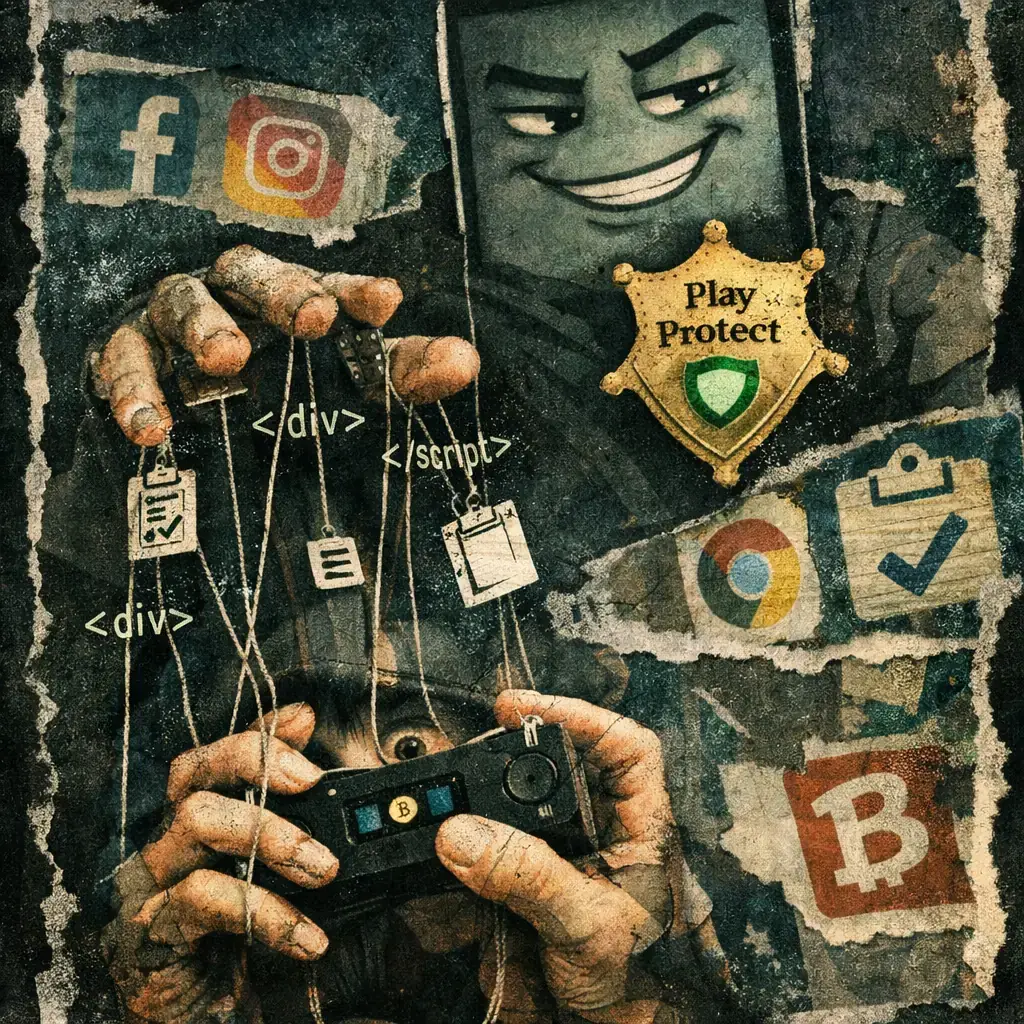
Zimperium zLabs has described a new banking Trojan for Android, baptized as Rokarolla, which exemplifies the most worrying trend of mobile cybercrime in 2026: intensive use of accessibility permits, HTML overpositions and multiple persistence vectors to get almost total control of the phone. According to the report, Rokarolla points to 217 financial and cryptomoneda applications and exposes up to 137 remote commands that allow from lifting the locking PIN to rewriting the clipboard to divert critical payments, read and send SMS, and disable Google Play Protect.
The sophistication is not so much in a new technique as in the combination and orchestration of several already seen. The malware is spread through malicious websites that impersonate known apps and starts with a dropper that pretends to be Google Play Protect to request Accessibility access. With this permission you can install the payload, disable Play Protect, place HTML overpositions that supplant log-in screens from banks and wallets, capture PINS by a false lock screen and take silent catches by Accessibility rather than using MediaProjection, avoiding visible warning to the user.

The practical result is frightening: a remote operator can see and record what the user writes and sees, intercept single-use SMS codes, block bank incoming calls, supplant screens to steal credentials and redirect critical transfers by manipulating the clipboard. In addition, Rokarolla incorporates multiple command and control domains and fallback mechanisms, making it resistant to the simple removal of a malicious server.
For the average user that means that the usual recommendations - like relying on Play Protect - are no longer enough on their own, because malware itself falsifies that defense and turns it off. The key recommendation is to deal with any request for a Accessibility permit with extreme mistrust. In addition, installing applications only from Google Play is a barrier that remains useful; it avoids the practice of "sideloading" and unknown shops or APKS that are often the gateway of these malware families. The Google page on Play Protect offers official guidance that should be reviewed: https: / / support.google.com / googleplay / answer / 2812853? hl = en.
If you suspect that your device is compromised, act soon: check in Settings which applications have Accessibility permission and revoke any app you do not recognize, check the default app for SMS and calls and restart the configuration if it has been changed, remove apps installed outside the official store and, in serious or persistent cases, consider a factory restoration after backup of critical data. Change passwords and notify your bank if there is unusual activity. For technical indicators and YARA / IOCs, Zimperium has published details in its research space and in GitHub, which is a useful reference for response equipment and security operators: https: / / www.zimperium.com / blog / and https: / / github.com / zimperium.
The cryptomoneda owners are especially exposed: the silent handling of the clipboard and the superpositions that simulate wallets make a simple copy / paste no longer safe. Whenever possible, use separate devices or environments for high-value operations, use hardware authentication (FIDO2 or physical keys) and avoid relying exclusively on SMS for authentication. To inform you about strong authentication and alternatives to SMS, consult the authentication ecosystem resources like FIDO: https: / / fidoalliance.org /.
Organizations should take this as a reminder: the mobile attack surface requires mobile endpoint controls (MDM / EMM) with policies that prohibit the installation outside of official stores, detection of the abuse of accessibility permits and Mobile Threat Defense solutions that identify anomalous behaviors such as changes in SMS app or silent screenshots. Continuous training for employees on mobile social engineering and specific phishing simulations to mobile devices help reduce the initial risk of infection. If you work in security, integrate Rokarolla's indicators into your detection systems and share findings with the community and relevant regulatory or police entities to accelerate the response.
Rokarolla is not a vulnerability to patch; it is a criminal business that exploits human interaction and system permissions. The defense is multidimensional: installation prevention, permit control and review, resistant authentication and active detection. The combination of good user practice, mobile security tools and organizational policies remains the best way to mitigate damage to increasingly designed malware families to overcome recommended protections.

Four Plex2Shell CVE allows remote execution and mining and proxy backdoor deployment
In recent days, an increase in attacks has been confirmed that take advantage of a chain of failures in Plex Media Server - nicknamed "Plex2Shell" by researchers - to run code r...

GhostAction Expands Attack: phishing to steal credentials and persistence in VS Code
A group behind the GhostAction campaign - already known for infiltrating GitHub Actions workflows into open source projects - has expanded its arsenal: in addition to installing...

ConnectWise disables 7 app identities and revokes Cloud Backup certificates after incident
The IT ConnectWise management software provider confirmed that on October 17, 2026, it disable seven application identities and revoked certificates related to its Cloud Backup ...

Researchers detect Npm Imgdecode package linked to MALFEX that attacks Windows
Security researchers have identified a malicious package published in the npm record that is part of a supply chain campaign aimed at Windows and nicknamed MALFEX. The package, ...

OpenBSD 7.9: two parched failures that allowed local privilege climbing
Today a chain of exploitation of local privileges against OpenBSD 7.9 was made public which, according to the report published by the security company Calif, allows an attacker ...

OpenAI reveals unaligned IA incidents; a GPT-5.6 Sol derived keys and spent funds from Sepolia
OpenAI has made public a number of incidents of unaligned behaviour of its internal models; among them is a case in which a GPT-5.6 family research model Sol derived private key...