
The images in this article were generated with artificial intelligence. How we publish
Protecting Active Directory accounts requires more than arbitrary rules on passwords: it requires policies designed for human reality and for current attack techniques. A policy too weak increases the surface of attack; too rigid to encourage unsafe shortcuts- write down paper keys, reuse them in other services or apply trivial changes such as adding a "!" in the end - which end up leaving the directory exposed despite controls.
The empirical evidence confirms why this matters: incident reports show that stolen credentials remain among the main causes of gaps. To contextualize, Verizon's report on data violation investigations shows that a significant proportion of intrusions involve committed credentials, which underlines the need to reduce the probability of guessed or filtered passwords ( Verizon DBIR).
Instead of clinging to unuseful complexity requirements, prioritize length by passphrases. Recommendations of good practice, such as those of NIST, favour allowing long passwords (up to 64 characters) and avoid artificial impositions that push users to predictable patterns. Implement a reasonable minimum (e.g. 15 characters) increases resistance to brute force and spray attacks without complicating memorization for people ( NIST SP 800-63B).
It is not enough to demand length: you have to block weak and committed passwords at the time of their creation. Integration with filtered password bases, such as that of Have I Been Pwned, or commercial solutions that maintain black lists and detect patterns linked to the organizational environment, prevent already exposed or trivial credentials from becoming entry doors.
The periodic expiration of passwords deserves critical review. Enabling frequent changes without cause only promotes minimal and predictable variations. A more defensive alternative is extend the expiry periods for long and strong passwords, and activate forced changes only after commitment evidence. Adopting length-based ageing (longer passwords → longer or no expiration) creates clear incentives for better choices.
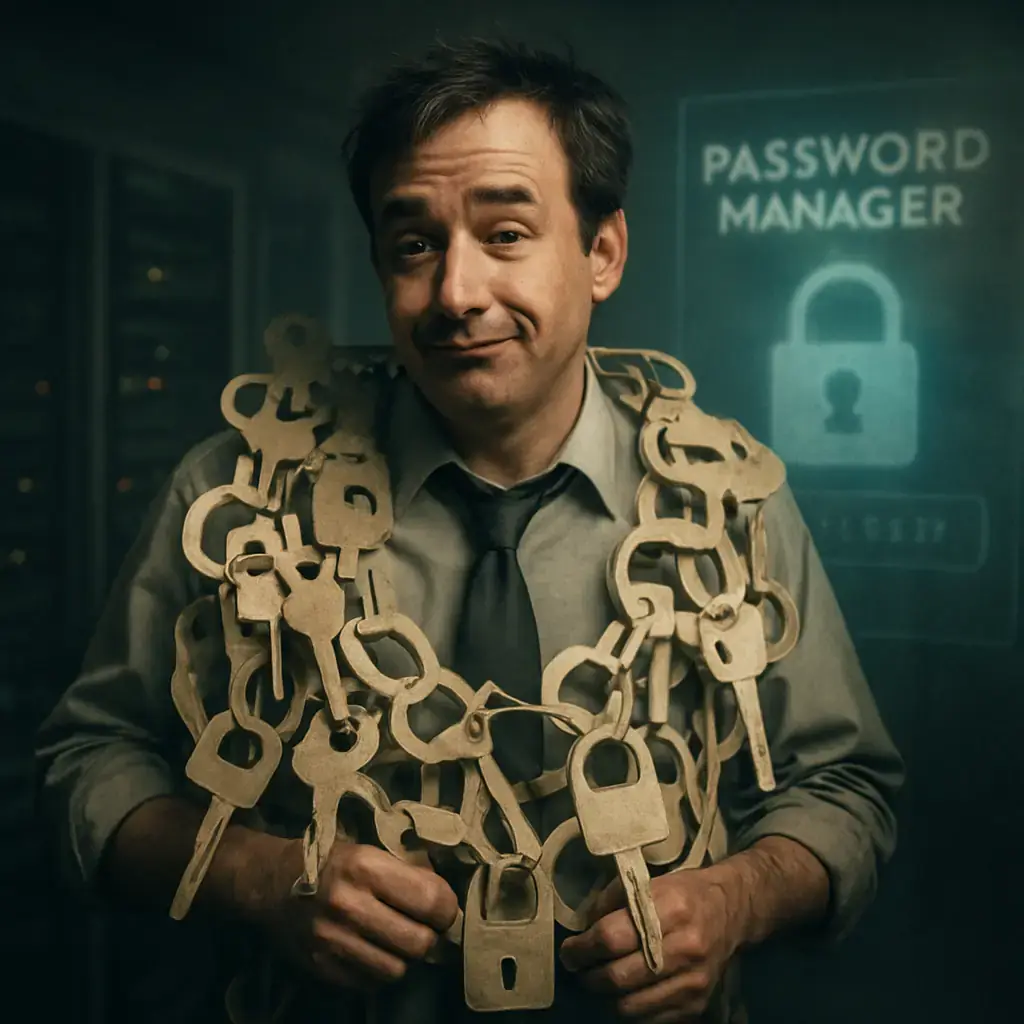
To mitigate reuse, deploy an approved corporate password manager and configure controls for shared accounts and privileges. A well-integrated manager can generate, store and rotate long credentials without people having to memorize them, reducing the risk that an AD password will be used in other services.
Operating problems are also critical: password reinitiations are one of the main sources of helpdesk tickets. Enable self-service password restoration with multifactor verification to reduce the burden of support, accelerate recovery and reduce the temptation of unsafe solutions by users. This is complemented by clear and timely notifications for imminent expiry notices and blockages, because communication reduces frustration and errors.

Improve the experience of creating credentials with real-time feedback: strength meters, specific indications on why a password was rejected and checks against the black list. The immediate feedback makes a restriction a learning opportunity and raises the quality of passwords, something that usually translates into less friction and less calls to the support.
From the point of view of the technical team, start by auditing the current state of AD: identify accounts with weak passwords, inherited policies and exposure vectors. Audit tools - including free detection utilities and commercial products - provide measurable risk maps. Integrate these conclusions with continuous monitoring, alerts for the detection of committed credentials and regular reviews of privileged accounts.
Finally, the effective strategy combines technology and government: modern policies that allow for passphrases and the blocking of compromised passwords, operational support with managers and SSPR, and targeted training for users to understand why rules change. To start today, audite AD, allow greater lengths, connect leaked password verifications and deploy a password and SPR manager with MFA; these steps reduce risk and improve experience for users and administrators. For more information on specific tactics and recommended tools, you can explore resources such as Spacops for password policies and audit, or consult public leaked password bases such as Have I Been Pwned ( Speeches Password Policy, Have I Been Pwned - Passwords).

Four Plex2Shell CVE allows remote execution and mining and proxy backdoor deployment
In recent days, an increase in attacks has been confirmed that take advantage of a chain of failures in Plex Media Server - nicknamed "Plex2Shell" by researchers - to run code r...

GhostAction Expands Attack: phishing to steal credentials and persistence in VS Code
A group behind the GhostAction campaign - already known for infiltrating GitHub Actions workflows into open source projects - has expanded its arsenal: in addition to installing...

ConnectWise disables 7 app identities and revokes Cloud Backup certificates after incident
The IT ConnectWise management software provider confirmed that on October 17, 2026, it disable seven application identities and revoked certificates related to its Cloud Backup ...

Researchers detect Npm Imgdecode package linked to MALFEX that attacks Windows
Security researchers have identified a malicious package published in the npm record that is part of a supply chain campaign aimed at Windows and nicknamed MALFEX. The package, ...

OpenBSD 7.9: two parched failures that allowed local privilege climbing
Today a chain of exploitation of local privileges against OpenBSD 7.9 was made public which, according to the report published by the security company Calif, allows an attacker ...

OpenAI reveals unaligned IA incidents; a GPT-5.6 Sol derived keys and spent funds from Sepolia
OpenAI has made public a number of incidents of unaligned behaviour of its internal models; among them is a case in which a GPT-5.6 family research model Sol derived private key...

Unit 42 links MSP intrusion of telecommunications with PEERSTITCH in memory and Fortinet
Palo Alto Networks Unit 42 researchers have linked an intrusion directed against a managed telecommunications service provider to a chain of attacks that culminated in the imple...