
The images in this article were generated with artificial intelligence. How we publish
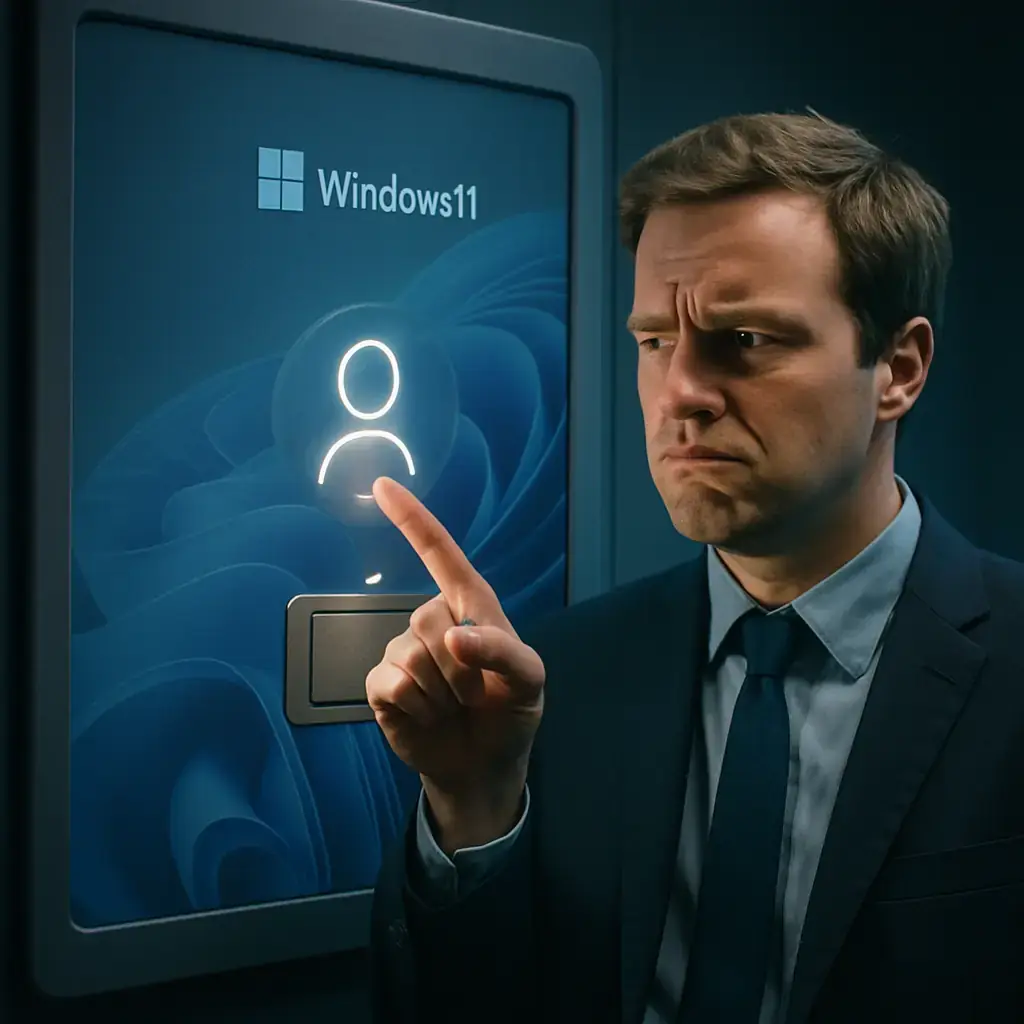
If you noticed that the password icon was missing from the options on the Windows 11 lock screen after installing August 2025 updates, you were not imagining it: Microsoft recognized a failure that caused exactly that and has already published a correction. Although the problem did not prevent you from log in with the password, it did create confusion because the graphic button that identifies that method could be invisible to those who had various forms of access (PIN, password, security key, fingerprint, etc.).
By design, Windows only shows the password field directly when the password is the only starting option available; when there is more than one method, a set of icons appears to choose from. The error introduced in the August updates made the password icon not show on some teams even though the system recognized several options. Microsoft explained that, in these cases, the action was still present under that empty area: by placing the cursor over the space where the icon should appear the hidden button was revealed and it was possible to select the text box to write the password and enter.

The final solution came with the optional cumulative update published on January 29, 2025, known as KB5074105. If you want to apply the patch, the easiest way is to open Settings, go to Windows Update and press "Find Updates." The option to download and install this previous update will appear; those who prefer to install manually can also download it from the online Microsoft Update Catalog: Microsoft Update Catalog - KB5074105.
In addition to correcting the problem of the lock screen icon, KB5074105 includes several corrections related to boot, login and activation. Among the solutions reported are arrangements for iSCSI boot failures that could end up in an "Inaccessible Boot Device" error, system blockages in certain boot manager debugging scenarios and a problem that caused Explorer.exe to hang during the first login when certain applications were configured as boot programs. A failure that affected license migration during updates was also addressed because some teams failed to register with the Windows activation service for their digital license.
This episode is part of a series of incidents resulting from updates released in August 2025; on later dates Microsoft published corrections for other side effects, such as interruptions or black screens by playing DRM-protected content in Blu-ray / DVD and digital TV applications, latency and stampede problems in NDI transmission software, and unexpected user account control notices that prevented the installation of apps by users without administrative privileges. To officially follow the health status and corrections of Windows you can check the Microsoft launch status page: Windows release health - Microsoft Docs.
My practical recommendation is that, if you experienced the missing icon or any of the faults I have described, install KB5074105 (or the cumulative update that includes those patches) from Windows Update or from the Microsoft Catalog. Note that the updates marked "previous" are optional and serve to test corrections before they are included in the monthly patches, so if you prefer maximum stability you can wait for the general distribution; in any case, it is good to keep up recent backup before applying significant changes to the system.
If you want to review the note in which Microsoft originally recognized the password icon problem and the steps to identify the temporary solution (place the cursor over the space where the button should appear), see the statement related to the August 2025 update here: KB5064081 - Microsoft Support. And if you decide to download the previous catalog update manually, this is the direct link: KB5074105 in Microsoft's Update Catalogue.

GhostAction Expands Attack: phishing to steal credentials and persistence in VS Code
A group behind the GhostAction campaign - already known for infiltrating GitHub Actions workflows into open source projects - has expanded its arsenal: in addition to installing...

OpenCode: possible exposure of AI suppliers in Console affects 1.4% of users
On the night of October 16 there was an unauthorized access to a system inherited from OpenCode which, according to the company, could have exposed keys from IA suppliers that u...

ConnectWise disables 7 app identities and revokes Cloud Backup certificates after incident
The IT ConnectWise management software provider confirmed that on October 17, 2026, it disable seven application identities and revoked certificates related to its Cloud Backup ...

Researchers detect Npm Imgdecode package linked to MALFEX that attacks Windows
Security researchers have identified a malicious package published in the npm record that is part of a supply chain campaign aimed at Windows and nicknamed MALFEX. The package, ...

OpenBSD 7.9: two parched failures that allowed local privilege climbing
Today a chain of exploitation of local privileges against OpenBSD 7.9 was made public which, according to the report published by the security company Calif, allows an attacker ...

OpenAI reveals unaligned IA incidents; a GPT-5.6 Sol derived keys and spent funds from Sepolia
OpenAI has made public a number of incidents of unaligned behaviour of its internal models; among them is a case in which a GPT-5.6 family research model Sol derived private key...