
The images in this article were generated with artificial intelligence. How we publish
If this week your Outlook has been frozen when it opened or you have seen that the sent emails do not appear in "sent elements," you were not imagining things: a Windows update distributed in January 2026 caused conflicts with PST files stored in cloud services such as OneDrive or Dropbox. Microsoft detected the problem and released out-of-band updates to correct it, intended for Windows 10, Windows 11 and several Windows Server editions.
A PST file is essentially the local Outlook notebook: it saves emails, contacts and calendars on the computer rather than keeping them on the server. In corporate environments it is common to find PSTs used for backup or to access the unconnected mail, but when those files are placed within cloud-synchronized folders, complications may arise when the operating system and the synchronization client try to access the file at the same time.

After the updates published on January's last Patch Tuesday, some users began to experience application blockages by trying to open Outlook if their profile referred to a PST in cloud storage. In many cases, the only way to recover the application was to complete the process from the Task Manager or to restart the team; in addition, incidents were reported such as that sent messages did not appear in the sent folder or that already downloaded emails were back down.
Microsoft recognizes that the impact is mainly concentrated on the settings of the classic Outlook version, which is often used in business environments and is not part of the "new Outlook" experience that Microsoft offers to most domestic users. If you need to check which version of Outlook you are using, Microsoft maintains an official comparison that helps identify the differences between the two versions: Feature comparison between new Outlook and classic Outlook.
To fix the failure immediately, Microsoft has published several off-calendar patches for different buildings and editions. Among the available packages are the updates referred to as KB5078127 for Windows 11 25H2 / 24H2, KB5078132 for Windows 11 23H2, KB5078129 for Windows 10, and other specific packages for server editions like KB5078136(Windows Server 2022) or KB5078131(Windows Server 2019).
If your computer is among those affected, you can apply these corrections via Windows Update when they are available or download them manually from the Microsoft Update Catalogue; the support pages of each KB include direct links to the catalog. If you are not experiencing any of these symptoms, Microsoft indicates that it is not mandatory to install the update immediately. and that the corrections will be integrated in the next previous update or in the following month's Patch Tuesday.
It is important to note that Microsoft took advantage of these OOB updates to also include recent arrangements published on the previous weekend, related to the inability to access Microsoft 365 Cloud PC sessions and problems in teams with Secure Launch enabled that prevented the correct shutdown or hibernation. This makes it easier for managers and support equipment to obtain several corrections in a single deployment rather than multiple hand patches.
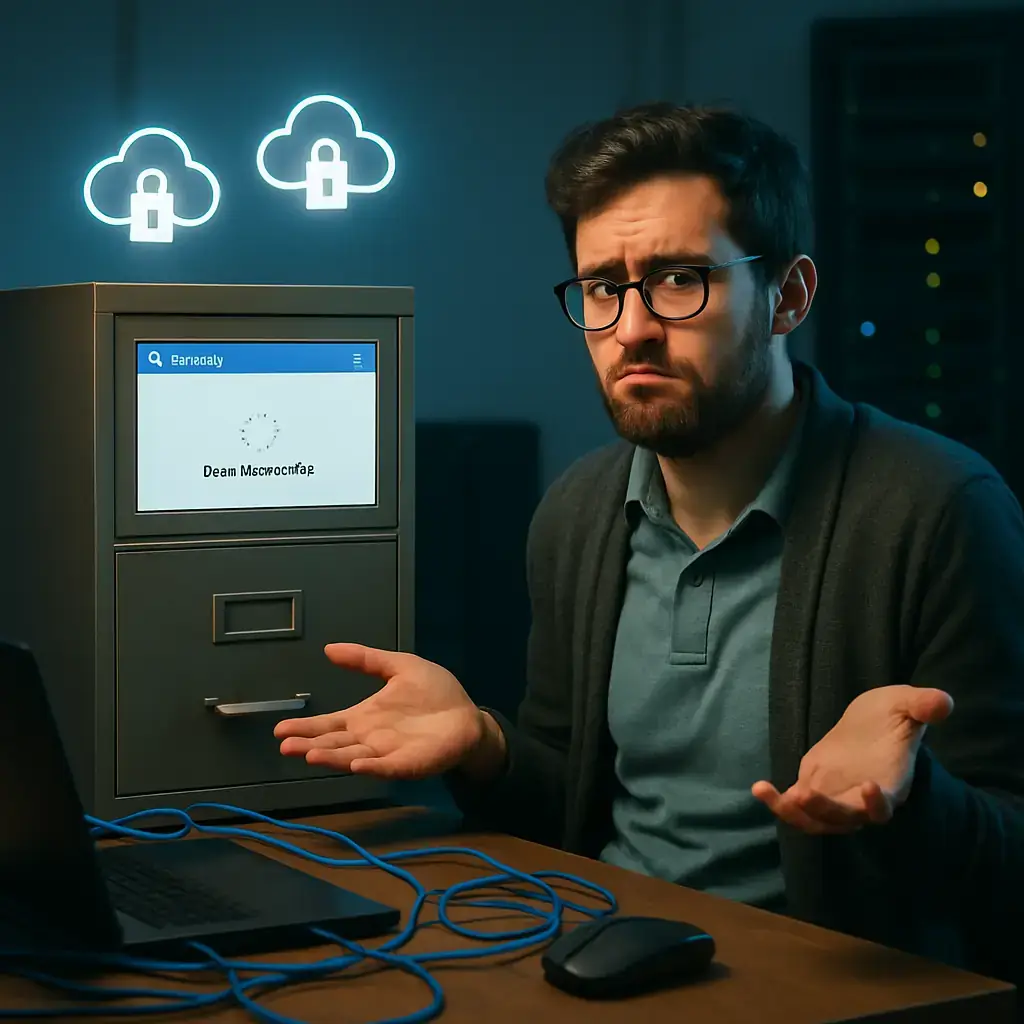
As a preventive measure and to minimize risks while not applying the update, it is appropriate to avoid keeping active PSTs within folders that are synchronized with cloud services. Move PSTs to a non-synchronized local location, use server (OST) mailboxes or base work on the cloud version of Exchange / Outlook are alternatives that reduce local file dependence and conflict with synchronization customers. If you need to review how PST and OST files work, Microsoft's technical documentation provides a clear explanation: PST and OST in Outlook.
For corporate teams, it is recommended that IT managers validate updates in a pilot group before deploying them massively, and that they prepare procedures to restore PSTs or rescue emails in case of problems. If other symptoms not described by Microsoft or a major condition are detected, administrators can use Microsoft support for direct assistance.
In short, if your Outlook behaved erratically after the January updates, there is an official published solution: check the Windows version and apply the corresponding out-of-band update (e.g. KB5078127 for recent Windows 11 models). If you don't see effects, you can wait for the next patch cycle to receive the corrections without intervening immediately.

GhostAction Expands Attack: phishing to steal credentials and persistence in VS Code
A group behind the GhostAction campaign - already known for infiltrating GitHub Actions workflows into open source projects - has expanded its arsenal: in addition to installing...

OpenCode: possible exposure of AI suppliers in Console affects 1.4% of users
On the night of October 16 there was an unauthorized access to a system inherited from OpenCode which, according to the company, could have exposed keys from IA suppliers that u...

ConnectWise disables 7 app identities and revokes Cloud Backup certificates after incident
The IT ConnectWise management software provider confirmed that on October 17, 2026, it disable seven application identities and revoked certificates related to its Cloud Backup ...

Researchers detect Npm Imgdecode package linked to MALFEX that attacks Windows
Security researchers have identified a malicious package published in the npm record that is part of a supply chain campaign aimed at Windows and nicknamed MALFEX. The package, ...

OpenBSD 7.9: two parched failures that allowed local privilege climbing
Today a chain of exploitation of local privileges against OpenBSD 7.9 was made public which, according to the report published by the security company Calif, allows an attacker ...

OpenAI reveals unaligned IA incidents; a GPT-5.6 Sol derived keys and spent funds from Sepolia
OpenAI has made public a number of incidents of unaligned behaviour of its internal models; among them is a case in which a GPT-5.6 family research model Sol derived private key...