
The images in this article were generated with artificial intelligence. How we publish
Microsoft fixed a failure that made the new security notices when opening Remote Desktop files (.rdp) appear wrong in teams with several monitors and different scale settings: displaced buttons, illegible text and, in extreme cases, unable to interact with the dialogue. The problem, reported after the April 2026 cumulative updates, affects all supported versions of Windows and was addressed in the optional previous update KB5083631 for Windows 11; Microsoft documents the specific patches and their notes on the knowledge pages linked from its support center, as KB5083769.
The warnings added in April seek to mitigate a real risk: .rdp files can redirect local resources (units, clipboard, devices) and have been exploited in phishing campaigns and espionage operations - including activity attributed to groups such as APT29 - to extract credentials and data. With new protections, Windows first shows an information message and, from then on, a security box that deactivates the readdresses by default and shows whether the file is digitally signed, remote address and requested resources.
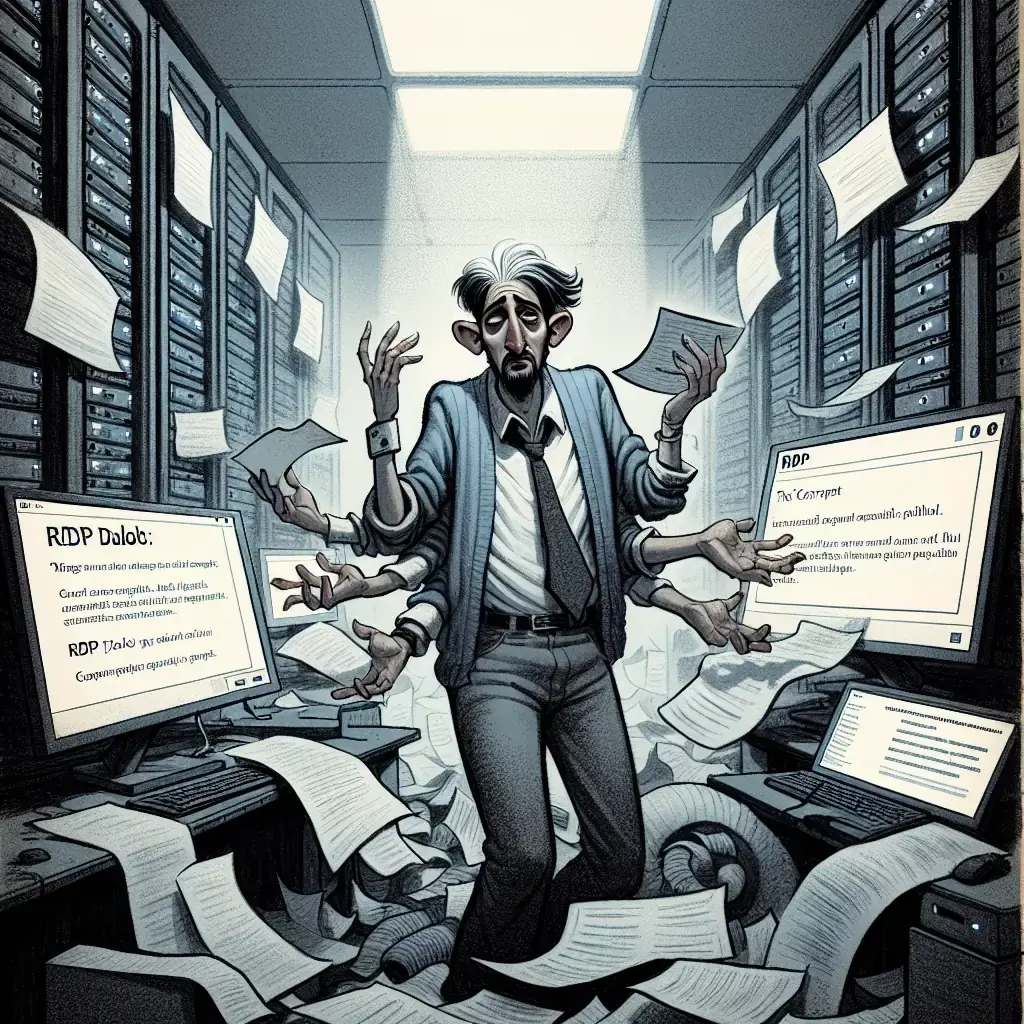
However, the dissonance between usability and safety has been made clear: a warning window that cannot be read or with inaccessible buttons can push administrators or users to look for shortcuts (disable controls, reverse updates) and thus cancel the protection. In addition, some users have reported additional problems following April updates, such as VSS waiting times that have affected backup solutions in certain Windows 11 versions, and Microsoft had to post off-cycle updates to correct restart and installer failures on servers.
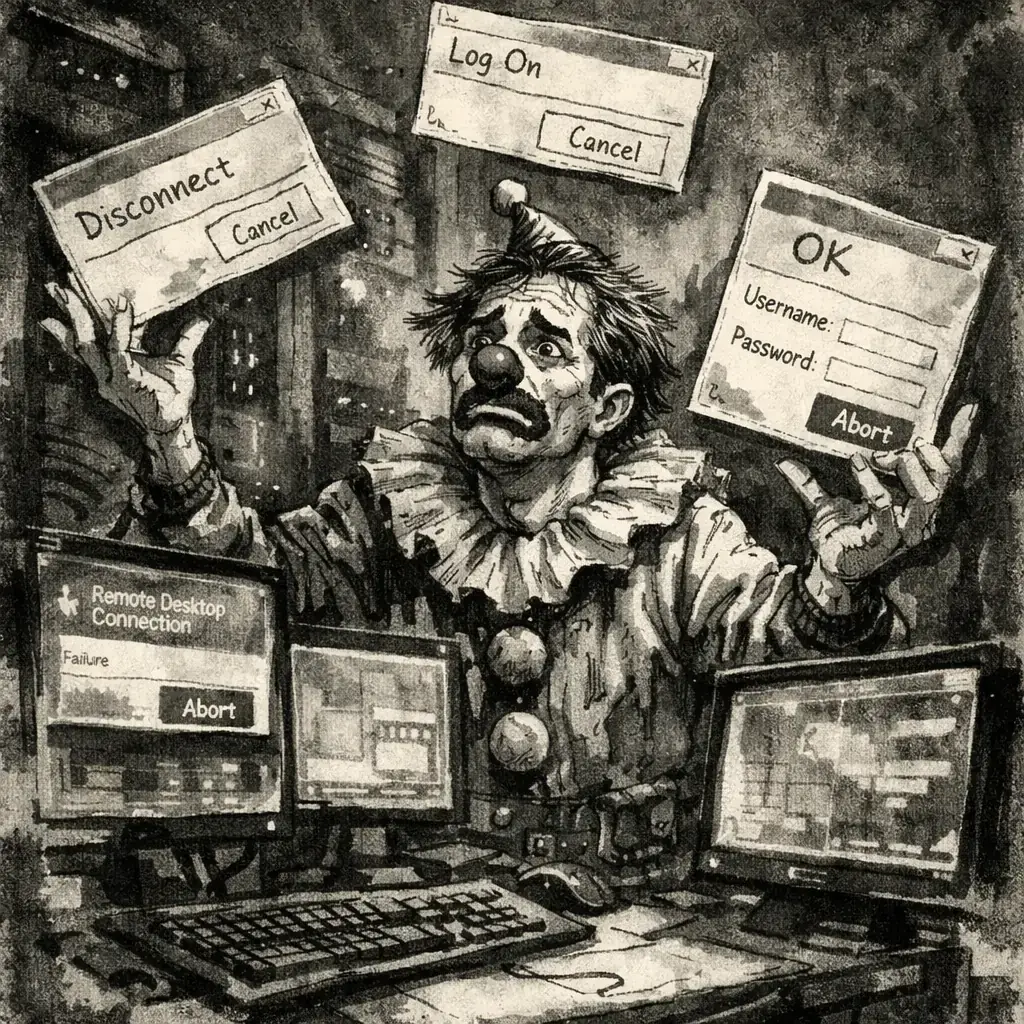
What to do now depends on your environment, but there are immediate practical measures: if you manage desks with multiple monitors, try first the previous update KB5083631 in a laboratory or pilot group before being deployed in production; verifies the integrity of backup and consults with your VSS problem patch backup providers; considers digitally signing the .rdp files used by the organization and strengthening perimeter controls to minimize RDP exposure. To better understand the structure and options of RDP files and how to safely configure them, official documentation is a useful reference: .rdp file documentation in Microsoft Learn, and for remote access mitigation and hardening measures you can review the CISA public guidelines on RDP: CISA - Remote Desktop Protocol (RDP).
It is also important to remember complementary controls that reduce risk even if the warning interface fails: require multifactor authentication in remote accesses, apply Network Level Authentication for RDP sessions, use jump hosts or gateways managed instead of direct exposures, and restrict the opening of .rdp files received by mail or downloaded from external sources. Finally, it communicates the change to the users: a brief guide to why these warnings appear and what behaviors to avoid reduces the likelihood that a poorly rendered window will result in a bad safety decision.
In summary, Microsoft's correction measures a problem of accessibility of RDP warnings that, if not solved, could turn a security improvement into an operational friction point. The practical recommendation is to test the update in controlled environments, verify compatibility with backup software and strengthen remote access with technical policies and user training while monitoring new updates and manufacturer notices.

Four Plex2Shell CVE allows remote execution and mining and proxy backdoor deployment
In recent days, an increase in attacks has been confirmed that take advantage of a chain of failures in Plex Media Server - nicknamed "Plex2Shell" by researchers - to run code r...

GhostAction Expands Attack: phishing to steal credentials and persistence in VS Code
A group behind the GhostAction campaign - already known for infiltrating GitHub Actions workflows into open source projects - has expanded its arsenal: in addition to installing...

ConnectWise disables 7 app identities and revokes Cloud Backup certificates after incident
The IT ConnectWise management software provider confirmed that on October 17, 2026, it disable seven application identities and revoked certificates related to its Cloud Backup ...

Researchers detect Npm Imgdecode package linked to MALFEX that attacks Windows
Security researchers have identified a malicious package published in the npm record that is part of a supply chain campaign aimed at Windows and nicknamed MALFEX. The package, ...

OpenBSD 7.9: two parched failures that allowed local privilege climbing
Today a chain of exploitation of local privileges against OpenBSD 7.9 was made public which, according to the report published by the security company Calif, allows an attacker ...

OpenAI reveals unaligned IA incidents; a GPT-5.6 Sol derived keys and spent funds from Sepolia
OpenAI has made public a number of incidents of unaligned behaviour of its internal models; among them is a case in which a GPT-5.6 family research model Sol derived private key...