
The images in this article were generated with artificial intelligence. How we publish
Microsoft has published the previous cumulative update KB5074105 for Windows 11 equipment, an optional delivery designed for managers and advanced users to test corrections and improvements before the monthly security patch. These "preview" updates reach the end of the month and do not include security corrections: their focus is quality and stability, so they serve to check changes without yet incorporating them into the Patch Tuesday cycle. You can check the official update tab on the Microsoft site for a full list of changes and installation notes: KB5074105 (Microsoft Support).
In this Microsoft delivery, it introduced a total of 30 settings ranging from login and boot problems to errors that could leave the system inactive. Among the most relevant corrections are arrangements for Explorer.exe blockages in the first start when certain applications were configured to boot with the system, fault solutions that caused the computer to stop responding during the start in scenarios where Windows Boot Manager is enabled, and patches for iSCSI boot cases that ended in an "Inaccessible Boot Device" error. In addition, it is a digital license migration problem that prevented recording the device with the Windows activation server during updates, which is critical for equipment that depends on automatic activation.

The update also expands functionalities and compatibilities: for example, the Cross-Device Resume experience gains presence to allow you to continue activities started on an Android phone - such as playback on Spotify, Word, Excel or PowerPoint works, or the continuation of browsing sessions - directly on the PC. In the area of authentication, Windows Hello Enhanced Sign-in Security (ESS) now supports external print readers, which brings the safest option to desks and equipment that have no integrated sensor, including Copilot + equipment.
Other settings removed in the notes correct a failure that could make the system unresponsive (User Account Control) by raising Windows Terminal from an unprivileged account, address dxgmms2.sys-related graphic errors that caused KERNEL _ SECURITY _ CHECK _ FAILURE shorts in certain GPU configurations, and resolve a Windows Sandbox lock that showed the 0x800705b4 error at the start. All these changes are aimed at reducing inestabilities that some users and corporate environments had begun to experience.
The previous update leaves channels 25H2 and 24H2 in compilations 26200.7705 and 26100.7705, respectively, after installation. If you decide to try it, you can do it from Settings → Windows Update → Search for updates, where it will appear as optional with the "Download and install" button. For those who prefer to manually install or deploy packages in controlled environments, Microsoft publishes the packages in the Update Catalogue: Microsoft Update Catalog. Before applying an optional update it is appropriate to create a restoration point or a backup and to review the list of problems known in the Microsoft technical note.
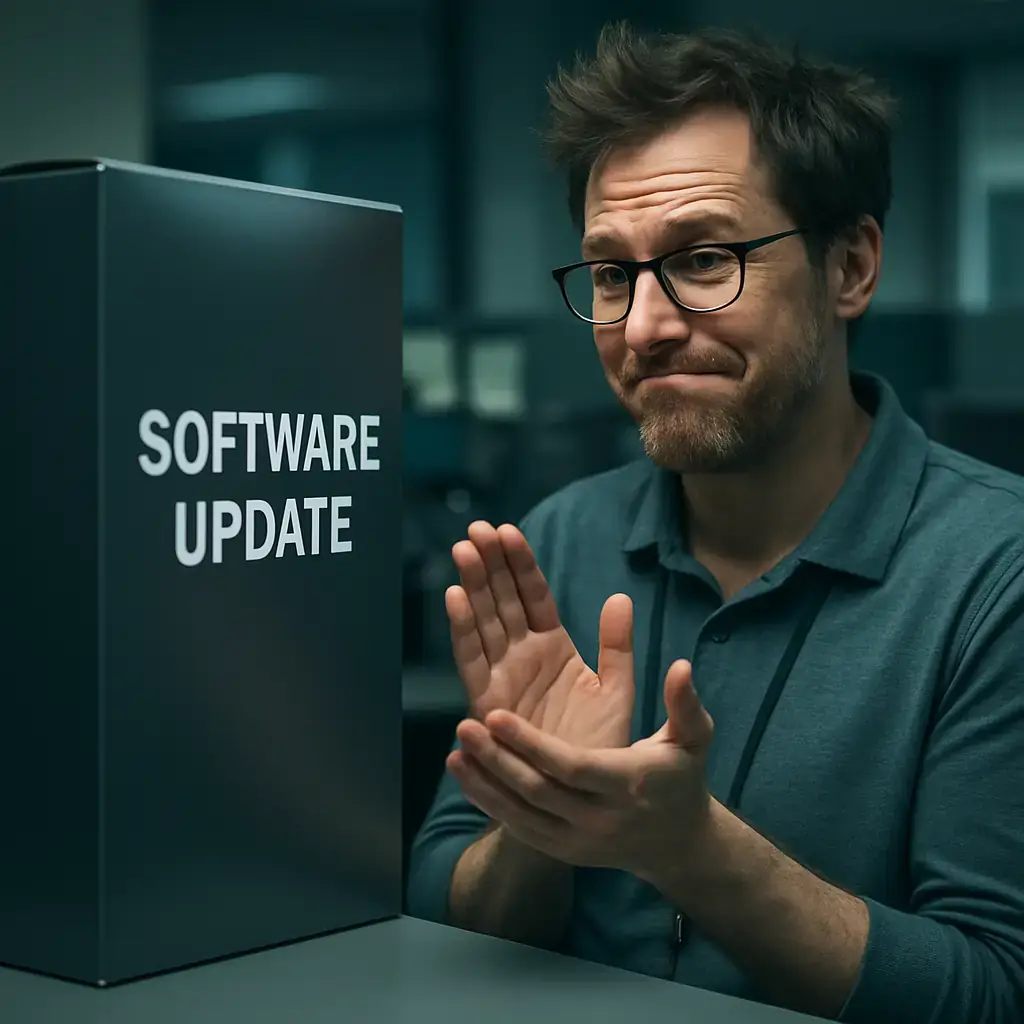
An additional novelty that Microsoft has reported from its message center is the separation of identifiers between Windows 11 and Windows Server 2025 to avoid confusion in patch management. According to the company, from this cycle the KB and Windows Server 2025 compilation numbers will be different from those of Windows 11 (24H2 / 25H2), a measure that "improves clarity for administrators" without altering the usual installation and management processes. You can read the ad on the status page and Microsoft launch messages: Windows Message Center (Microsoft). In the same line, Microsoft has started applying simplified titles to the update descriptions to make the information more direct and easy to understand; the documentation on that change is also available on its website: simplified update titles.
Should you install KB5074105? For domestic users who do not experience the correct problems, it is usually waiting for the monthly patch that will also include safety updates. If you manage equipment in a company, manage system images, or have equipment affected by any of the errors described, testing this previous version in a test group can help you validate the resolution before mass deployment. In any case, documenting post-installation behavior and keeping backup makes it easier to reverse changes if any unexpected incidence occurs.
If you are interested in deepening the official notes or following the evolution of other errors and corrections on Windows 11, in addition to the KB and Catalogue page, you should review the Windows launch status portal, where Microsoft centralizes warnings, mitigation and recommendations for administrators: Windows release health (Microsoft). For independent reports and coverage of this update they have also reported specialized technology media, where they often add practical context and user testimonies after the first tests.

GhostAction Expands Attack: phishing to steal credentials and persistence in VS Code
A group behind the GhostAction campaign - already known for infiltrating GitHub Actions workflows into open source projects - has expanded its arsenal: in addition to installing...

ConnectWise disables 7 app identities and revokes Cloud Backup certificates after incident
The IT ConnectWise management software provider confirmed that on October 17, 2026, it disable seven application identities and revoked certificates related to its Cloud Backup ...

Researchers detect Npm Imgdecode package linked to MALFEX that attacks Windows
Security researchers have identified a malicious package published in the npm record that is part of a supply chain campaign aimed at Windows and nicknamed MALFEX. The package, ...

OpenBSD 7.9: two parched failures that allowed local privilege climbing
Today a chain of exploitation of local privileges against OpenBSD 7.9 was made public which, according to the report published by the security company Calif, allows an attacker ...

OpenAI reveals unaligned IA incidents; a GPT-5.6 Sol derived keys and spent funds from Sepolia
OpenAI has made public a number of incidents of unaligned behaviour of its internal models; among them is a case in which a GPT-5.6 family research model Sol derived private key...
Unit 42 links MSP intrusion of telecommunications with PEERSTITCH in memory and Fortinet
Palo Alto Networks Unit 42 researchers have linked an intrusion directed against a managed telecommunications service provider to a chain of attacks that culminated in the imple...