
The images in this article were generated with artificial intelligence. How we publish
Microsoft is deploying a new wave of changes to Windows Update that seek to put more control over when and how updates are installed, without losing sight of the need to keep the equipment safe. After reviewing thousands of user comments, the company has adjusted the experience to reduce interruptions - for example, allow to enter the desktop without forcing the download in the first boot, and separate the options to turn off or restart from the button that applies updates -, and is testing these improvements first with Windows Insiders before taking them to the general public.
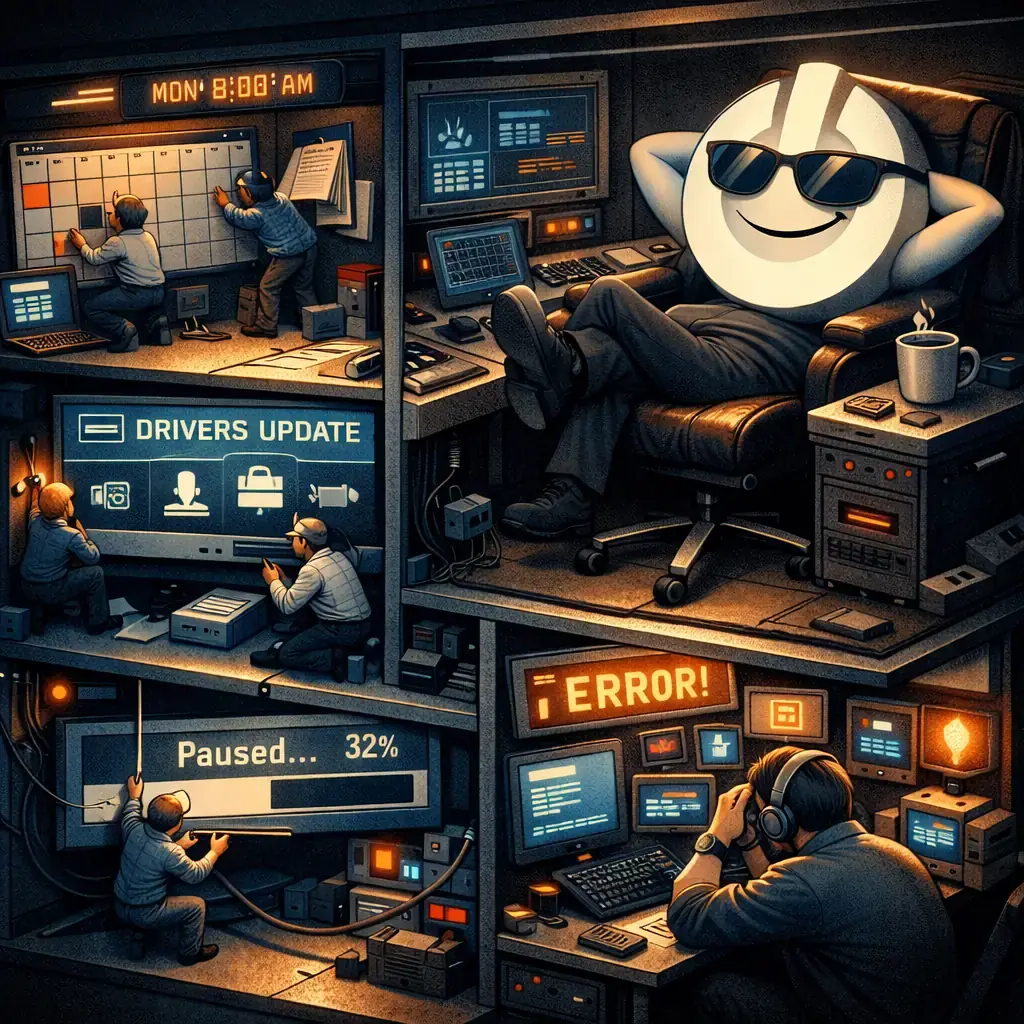
Among the most relevant developments there is a programmable pause through a visual calendar that allows you to choose a date to suspend updates up to 35 days, with the possibility to extend that pause repeatedly; a reorganisation of the energy menu so that "Turn off" and "Restart" do not launch pending facilities unless the user explicitly chooses "Update and restart / turn off"; and a better identification of the driver updates by showing the device type (screen, audio, battery, etc.) in the update title. In addition, Microsoft proposes to consolidate different types of updates (controllers, .NET, firmware) to reduce the frequency of restarts, synchronizing them with the monthly quality update.

These changes ease real usability problems: less unexpected rebeginnings and clearer options reduce loss of productivity and frustration. However, from the point of view of cybersecurity, the announcement should be read with a critical perspective. The ability to pause or delay updates expands the exposure window against actively exploited vulnerabilities, and the consolidation of specific facilities in a single "monthly window" can delay the correction of critical failures that cannot wait until the scheduled cycle.
To balance convenience and safety I recommend not to use the new options as an excuse to leave the systems out of date. Configure breaks only when necessary(e.g. through presentations or critical work) and, as soon as the sensitive period is over, make the manual update. In business environments, managers should continue to use management tools (Windows Update for Business, WSUS, or third-party solutions) to orchestrate phased deployments and tests before applying production updates; Microsoft's health documentation of versions and updates is a good starting point for designing these policies: https: / / learn.microsoft.com / windows / releases /.
If your priority is immediate security - for example if your organization handles sensitive data or if there are already active exploits - do not expect monthly consolidation: download and install critical updates manually and consider applying compensatory mitigation while the update is being validated. Maintaining recent backup, restoration points and an inventory of installed drivers and firmware makes it easier to unmake problem changes after an update. In addition, for good vulnerability management practices, see official guides and action frameworks such as the CISA recommendations on mediation: https: / / www.cisa.gov / uscert / ncas / tips / ST04-006.
Another useful improvement is the most descriptive label of the drivers; even so, maintain caution with updates of "optional" drivers they come from third parties or are not clearly linked to their hardware, and test those drivers on test equipment before they are massively deployed. Managers need to update their inventory procedures to take advantage of the greater information granularity that Windows Update now displays, making it easier to identify which component to touch.
Overall, the modifications are a step in the right direction: greater control for the user and less repeated interruptions, but they require conscious management in order not to increase the operational risk. If you use the Insider version you will see these functions first and you will be able to give feedback; if you manage equipment, take advantage of this period to update policies, communicate expectations to users and strengthen testing and reversion processes before accepting the new default behavior throughout the organization.

GhostAction Expands Attack: phishing to steal credentials and persistence in VS Code
A group behind the GhostAction campaign - already known for infiltrating GitHub Actions workflows into open source projects - has expanded its arsenal: in addition to installing...

ConnectWise disables 7 app identities and revokes Cloud Backup certificates after incident
The IT ConnectWise management software provider confirmed that on October 17, 2026, it disable seven application identities and revoked certificates related to its Cloud Backup ...

Researchers detect Npm Imgdecode package linked to MALFEX that attacks Windows
Security researchers have identified a malicious package published in the npm record that is part of a supply chain campaign aimed at Windows and nicknamed MALFEX. The package, ...

OpenBSD 7.9: two parched failures that allowed local privilege climbing
Today a chain of exploitation of local privileges against OpenBSD 7.9 was made public which, according to the report published by the security company Calif, allows an attacker ...

OpenAI reveals unaligned IA incidents; a GPT-5.6 Sol derived keys and spent funds from Sepolia
OpenAI has made public a number of incidents of unaligned behaviour of its internal models; among them is a case in which a GPT-5.6 family research model Sol derived private key...

Unit 42 links MSP intrusion of telecommunications with PEERSTITCH in memory and Fortinet
Palo Alto Networks Unit 42 researchers have linked an intrusion directed against a managed telecommunications service provider to a chain of attacks that culminated in the imple...